

When planning a remodel, the biggest challenge faced by interior designers is to explain their design ideas to homeowners. Whether it is a single room design, or furnishing a new home or simply redesigning an existing home with modern touches, the client may simply have a hard time envisioning what you have planned.
It can get tricky. Even if you are a homeowner embarking on a home improvement project of your own, you need to accurately visualize the design plans. The alternative is to make mistakes, learn from them and start over, which, let’s be realistic, costs money and time.
Fear not. We actually have a solution to help you out.
There are a series of interior design software programs that not only simplify the task of decorating and furnishing a home but also allow you to create 3D images and 3D models. These 3D rendering options enable you to share accurate visualization of the design plans. You can create 3D views or walkthroughs so the clients can explore the design ideas inch by inch in real-time.

Why You Should Use Room Design Software and Tools for Your Trade?
To begin with, room design software tools are optimized for your benefit. When you take on an interior design project, you are not just delivering a livable home. No, it is more than that.
Using advanced software is no longer a luxury; it is a necessity for modern efficiency. These tools allow you to communicate ideas clearly to clients, contractors, and team members. Instead of relying on vague descriptions, you can present a visual representation that leaves no room for misinterpretation.
Furthermore, room design programs significantly reduce the time spent on revisions. You can instantly change wall colors, swap furniture pieces, or alter layouts with a few clicks. This agility helps you close deals faster and increases client satisfaction. Finally, accurate floor plans ensure that every furniture piece fits perfectly, eliminating the risk of purchasing items that are too large or small for the space.

Read also – 20 Best Home Design Apps
15 Best Room Design Software of 2026
If you are a homeowner, then free design software with limited accessibility might work for you. Keep in mind though that you can only use the features to create a basic design or use it to speak with an interior decorator. The idea is to have an accurate rendering and as you know free version is not always great. If you wish to undertake the home improvement project yourself, consider investing in interior design software. Trust us when we say, you will save a ton of money on redoing everything or having to hire a professional when the project goes south.
On the other hand, if you are an interior designer building towards a bright career path, you should definitely weigh the parameters and choose suitable software that serves all your needs. You need to feasibility to share your designs and maintain your business operations. You also need a wide range of templates and design services to amaze your clients with accuracy.

Here are some of the best room design programs you can consider for your projects:
- Foyr Neo
- SketchUp
- SmartDraw
- Home 3D
- Ikea Home planner
- Floor Planner
- HomeByMe
- AutoCAD by AutoDesk
- Houzz Pro
- RoomStyler
- Room Planner
- Planner 5D
- HomeStyler
- 3DS Max
- Revit and many more.
1. Foyr Neo
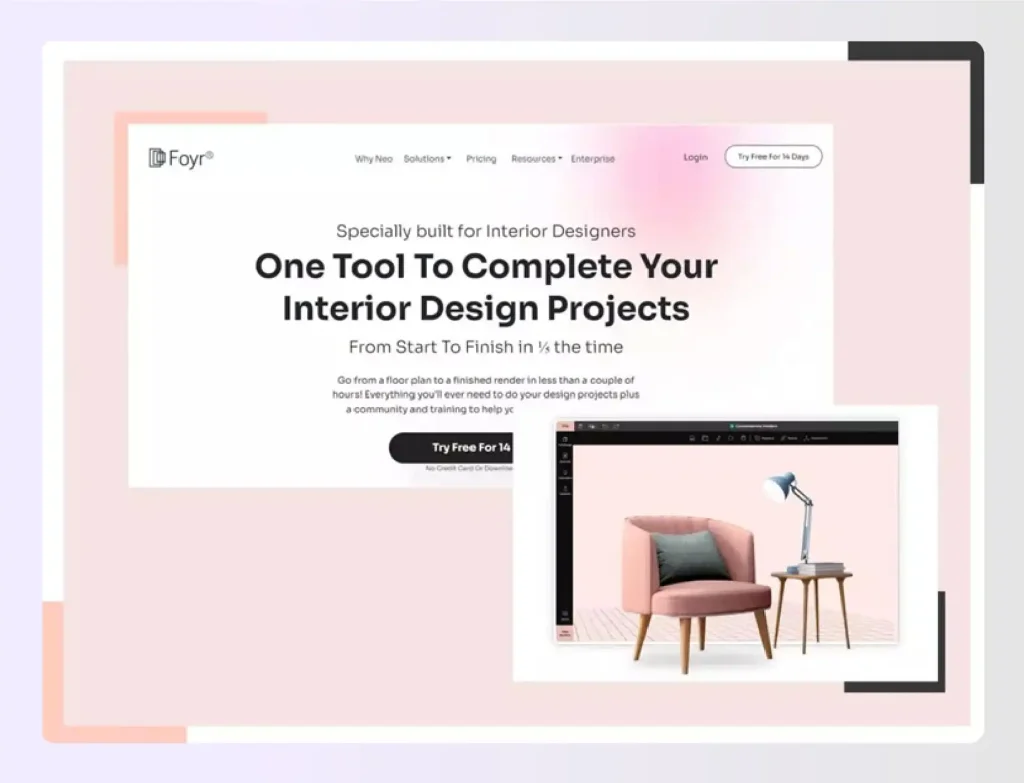
Foyr Neo is one of the best room design programs that offers an all-in-one solution for interior designers. Unlike complex CAD tools that require months of training, Foyr Neo is intuitive and lightning-fast. It combines floor planning, 3D modeling, and 12K rendering into a single platform.
Benefits:
- Zero Learning Curve: You do not need prior CAD experience. The interface is drag-and-drop, making it the best software for room design for beginners and pros alike.
- Lightning Fast Rendering: While other programs take hours to render, Foyr Neo utilizes cloud-based AI to deliver photorealistic 12K renders in minutes.
- Massive 3D Library: Access over 50,000 pre-modeled 3D items. You can drag and drop furniture, textures, and accessories instantly.
- Cloud-Based Efficiency: You do not need a supercomputer. Foyr Neo runs in your browser, so you can design from anywhere without installing heavy software.
- AI Assistance: The AI tools help with lighting and auto-populating rooms, saving you hours of manual work.
Pricing of Foyr Neo
Foyr Neo price begins at $4.99 each month subscription per person. Foyr Neo has 5 different plans:
- Education Basic costs $4.99 per month per member.
- Basic at $39.00 per month.
- Standard at $49.00 per month.
- Premium at $92.00 per month.
- Enterprise (Real estate) at $349.00 per month.
Available platforms:
Foyr Neo is a browser-based software and it can be used on all laptops, computers, IOS and android devices.
Pros
- It’s cool to work with Foyr Neo.
- It’s a growing industry.
- Enhances your creativity.
- It’s a satisfactory profession.
- Lucrative Business.
Read also – 15 Best Free Kitchen Design Software
2. SketchUp
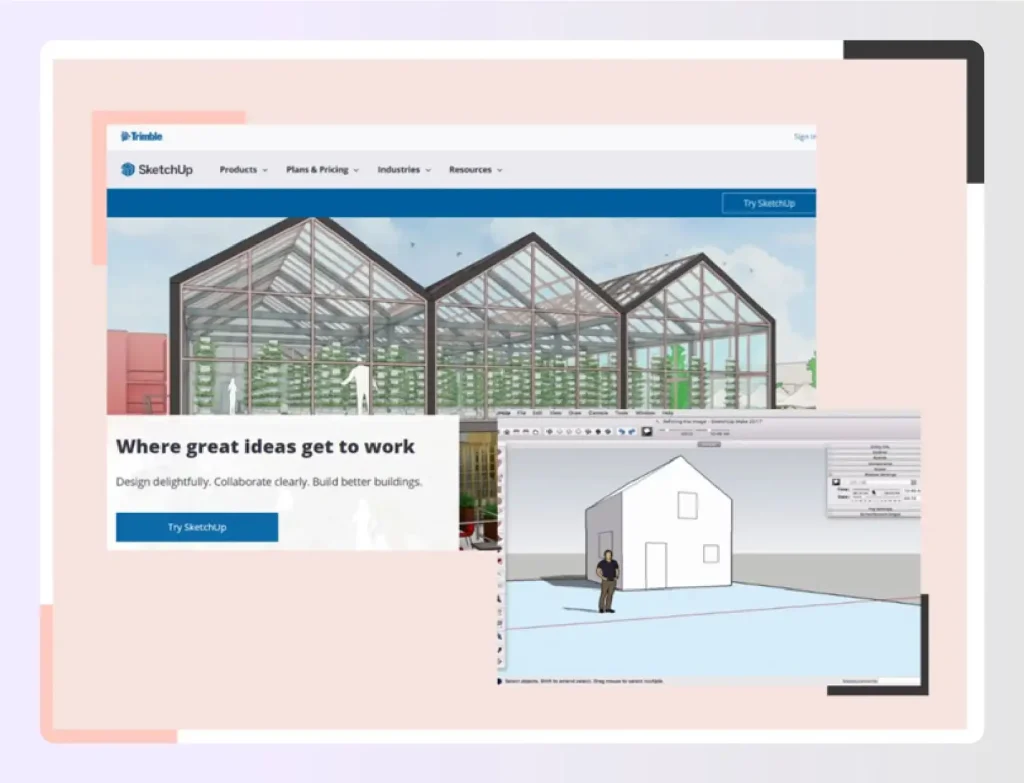
It is a digital 3D application for creating 3D models and things in a 2D space plan software. Regardless of whether you intend to create for 3D printing for your new home or redesign it for other uses, SketchUp provides all of the instruments required to generate competent and high-quality outputs. It is a versatile choice among room design programs for those who need custom modeling.
Specifications and features
- Small business ( Customer types)
- Textures
- Lighting effects
- 3D models
- 2D models
- Layer manager
- Animations
Pricing
- Go – $119 /yr – Design & collaborate anywhere
- Pro – $299 /yr – Create professional work
- Studio – $699 /yr – for advanced workflows
Available platforms
All Mac OS and Windows operating systems. Also, SketchUp has mobile and desktop viewers to access your designs anywhere.
Pros
- The benefits of SketchUp are its ease of use, rich modeling tools, and powerful engine.
- Customizable palettes make it easy to navigate the program.
- Three Sketchup modules are available to interested parties.
Cons
- Only Three Sketchup modules are available to interested parties.
Read also – 10 Best SketchUp Alternatives
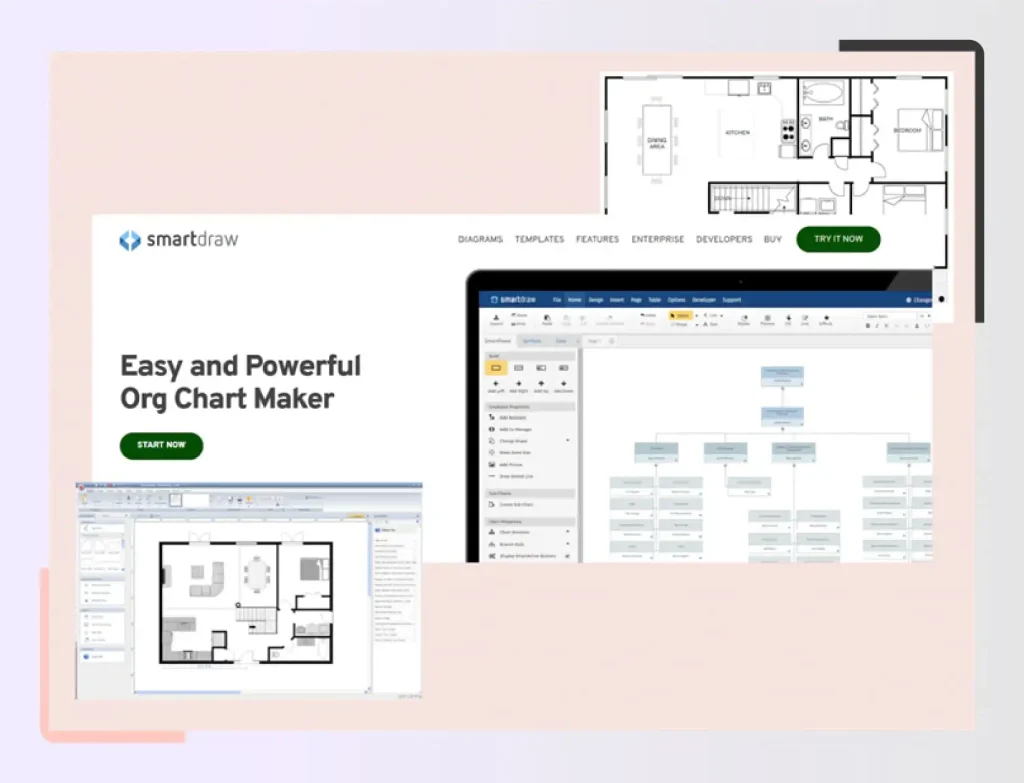
3. SmartDraw
It is a drawing and charting software that assists companies and organizations in managing drawing activities by using built-in templates which are already installed in software to use and generate visualizations, advanced computational diagrams and designs, concept maps, process diagrams like flow charts and mind map diagrams, and more. File preservation, customisable plugins, teamworking, and single order sign-in (SSO) are all important aspects.
Specifications and Features
- Mature And Secure.
- Works Anywhere.
- Effortless Collaboration.
- Install Behind A Firewall.
- Automation.
- Different Diagram Types.
- Templates, Symbols, And Shapes.
- Available In Multiple Languages.
Pricing
- Enterprise – Less than $1 per user/month – Paid annually.
- Team From – $5.95 per user/month – Paid annually
- Individual – $9.95/month – Paid annually.
Available platforms
iOS, Android, macOS, Windows
Pros
- Create diagrams.
- Diagrams may be converted to different formats such as PDF and JPEG.
- Stores your designs in the cloud.
Cons
- Your modifications are not always saved when you use the automated backup feature called autosave.
- When drawing diagrams and connecting shapes, they may not always stay connected.
- There aren’t nearly sufficient settings and sample layouts and elements.
Read also – 15 Best 3D Rendering Software Alternatives
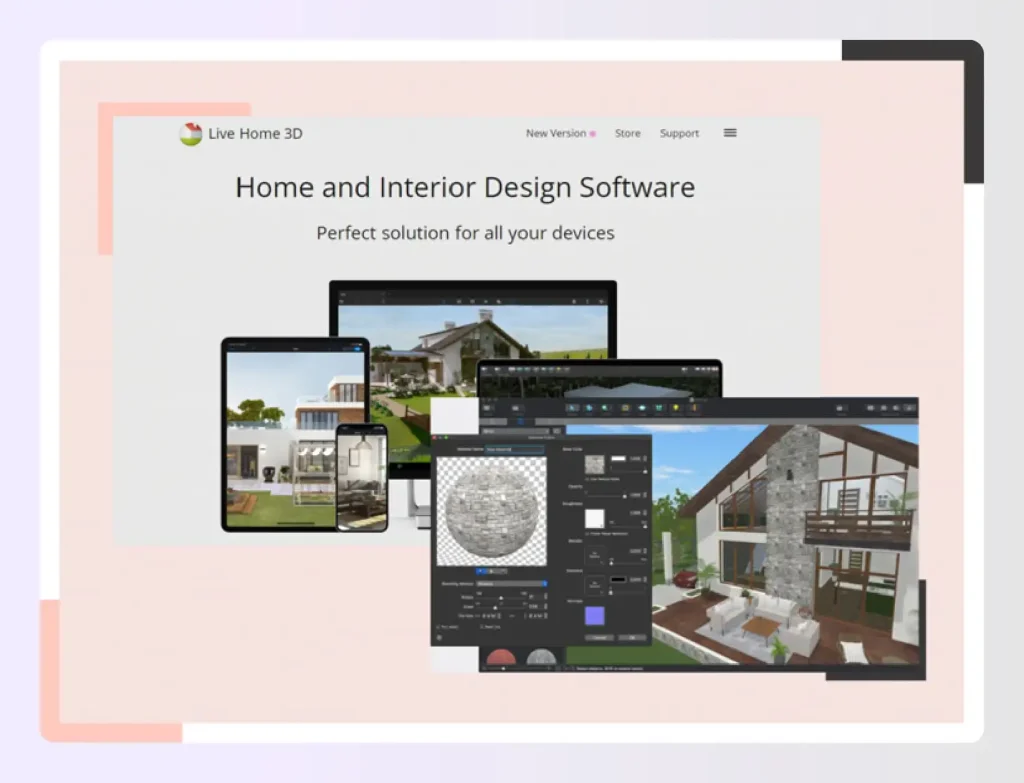
4. Live Home 3D
This is an alternative interior design software. Create photo-realistic rendering in minutes. Acquire and utilize your own graphics, or select from more than 75k+ real-world 3D objects. For Design Pros, Lifelike Rendering, 3D Interior Design, and Services: sweet home 3D Design Software, 3D Rendering. It is a top contender for the best room planner software across devices.
Specifications and Features
- Automatic Room Generator like a virtual tour
- AI Plan Recognition
- AR-Driven 3D Interior Projecting Feature
- Automated Furniture Arrangement for room planning
- Enterprise Solutions
- Product Configurator like sofas chairs
- Solutions for Schools
Pricing of Home 3D
Users can purchase a Lifelong license or subscribe to Live Home 3D on a quarterly and annually and monthly basis. Subscription starts from 4.99 USD per month. A lifetime license starts from 29.99 USD.
macOS:
- Live Home 3D Standard for Mac – $29.99
- Live Home 3D Pro for Mac – $49.99
iOS/iPadOS
- Live Home 3D for iOS / iPadOS – Free
- Live Home 3D Pro for iOS / iPadOS – $49.99
Windows
- Live Home 3D for Windows – Free
- Live Home 3D Pro for Windows – $49.99
Available Platforms
iOS, Android, macOS, iPhone and iPad devices, Windows
Pros
- Relatively low-cost.
- Saves a lot of time.
- Infinite design possibilities.
Cons
- Difficulty finding raw materials.
- Negative impact on manpower.
- Transferring a 3d printing from one location to the other might be difficult. It might also be challenging to use the equipment safely on-site.
Read also – 12 Best 3D Visualization Software
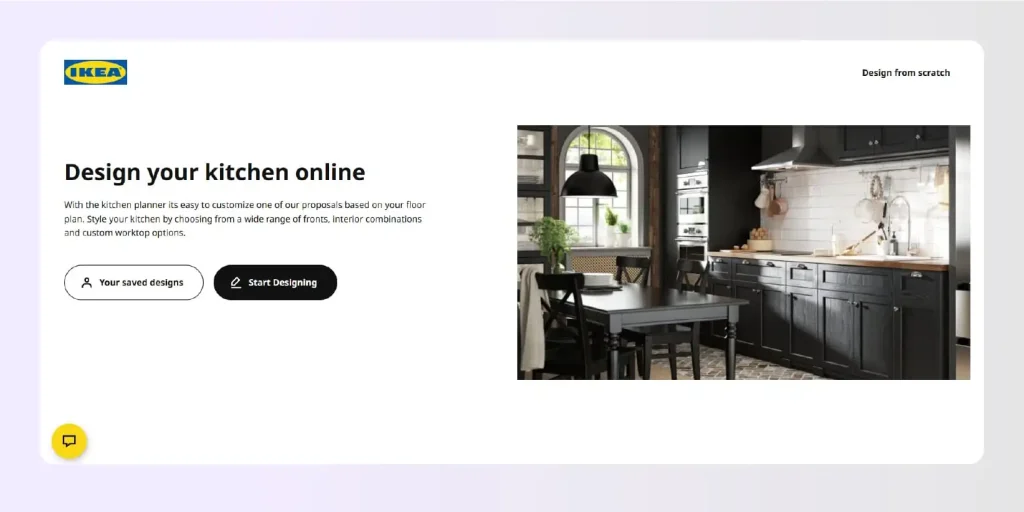
5. Ikea Kitchen Planner
IKEA has replaced its general Home Planner with the specialized IKEA Kitchen Planner. This browser-based tool is dedicated specifically to helping you plan and visualize your new kitchen using IKEA’s modular systems. It allows you to drag and drop cabinets, appliances, and fixtures to see exactly how they fit into your specific room dimensions.
Specifications and Features
- 3D Kitchen Planning
- Real-Time Budgeting
- Product Integration
- Shopping List Generation
Pricing
Free
Available Platforms
Works on Mac and Windows computers via standard web browsers (Chrome, Safari, Edge).
Pros
- IKEA kitchens are affordable.
- The drawers and cabinets are of great quality.
- Easy to replace parts down the track.
- Fantastic warranty.
- You can DIY.
- Nice countertops.
- Ideal for new places and open spaces.
- Theoretically, you can customise like crazy.
Cons
- Limited colour choices.
- Also not the greatest option for making the most of cramped quarters and small spaces.
- Limited choices for non-standard kitchen designs.
- Some things could be better designed.
- White is not always white!
- Be ready for installation delays, negotiate with individuals who don’t contact you immediately whenever they say they would, and so on.
Read also – 21 Best 3D Rendering Software
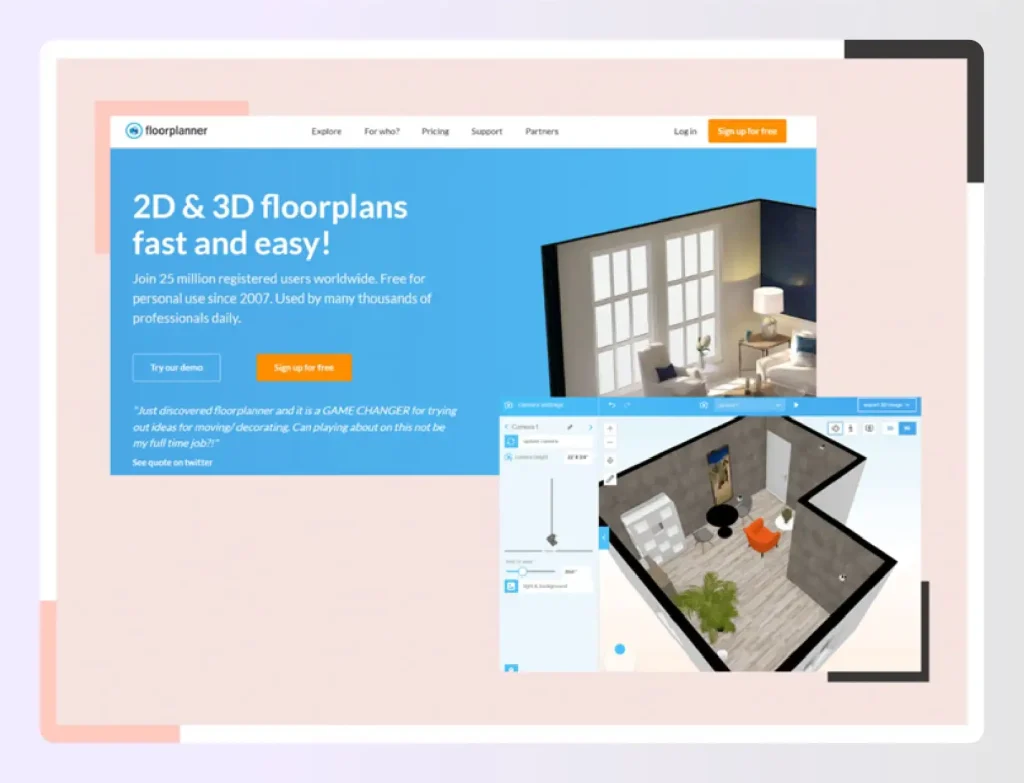
6. Floorplanner
Floorplanner is the most user-friendly tool for creating floor layouts. You can create two-dimensional designs and three-dimensional (interior) images in moments using only an online builder. It offers surface areas, customizable measurements, and easy roof designing capabilities.
Specifications and Features:
- Import existing floor plans
- Easy roof designing
- Print floor plans to scale
- Room names, annotations, and technical symbols
- Customizable slab and ceiling heights
- Library of customizable wall openings
- Convert 2D floor plans into 3D renderings
- Simultaneous 2D and 3D views
- Reusable home project templates
Pricing:
- TEAM – $59 per month includes 60 credits p/m – Up to 10 users (Price per extra credit – $0.90)
- BUSINESS – $179 per month includes 225 credits p/m – Up to 100 users (Price per extra credit – $0.80)
- ENTERPRISE – $599 per month includes 800 credits p/m – Unlimited users (Price per extra credit – $0.70)
Available Platforms:
Floor planner can be used on any operating platform from Windows to macOS
Pros:
- Very easy-to-use interface
- Quick to create and modify rooms
- Takes moments to create outstanding realistic 3D models
Cons:
- Some functions may be unavailable during platform migrations
- Limited advanced features in basic plan
Read also – blueprint maker
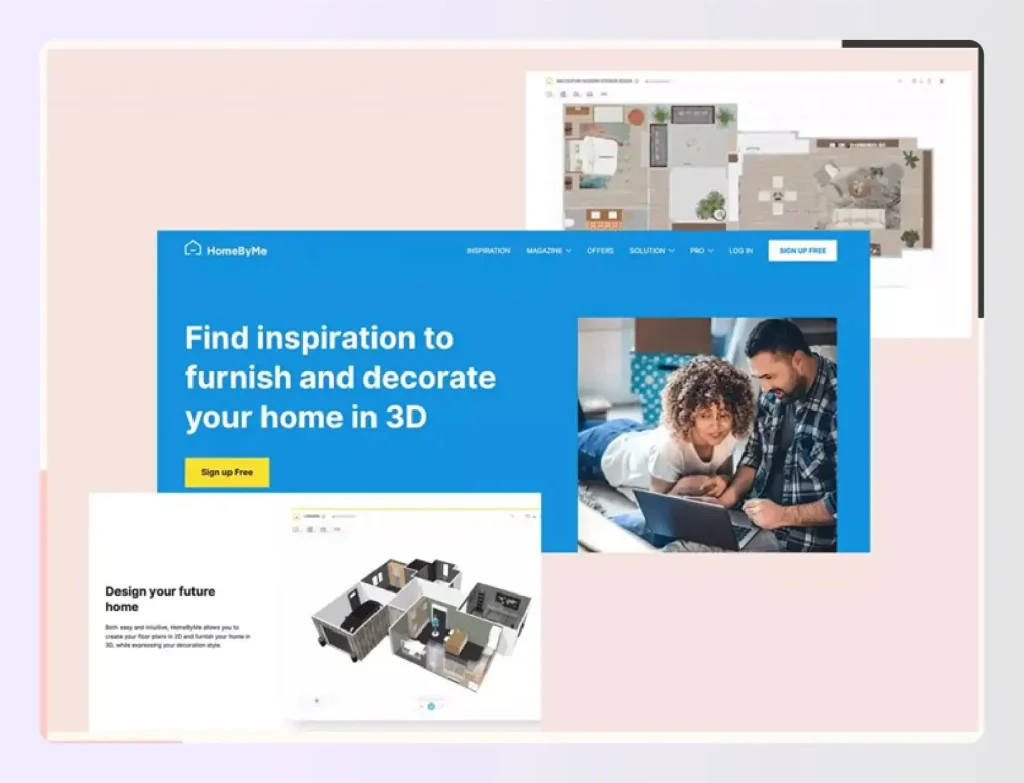
7. HomeByMe
It is a free web interior decorating tool that lets you envision your house designs in three-dimensional to see your creative vision come true, and explore with hundreds of hues, textures, and quite well goods. Encourage relatives and friends to check in on your development and offer input as you make choices.
Specifications and Features
- Sunlight measurement scale
- 360-degree visualizer lighting import from blueprint furniture
- Library3D
- Walkthrough3D
- Floor Plans2D Floor Plans
- 3D Rendering
Pricing
- Starter plan- Free
- One time pack- US $19.47
- Unlimited- US $35.39
Available Platforms
Mac OS, Windows OS, iPhone, iPad, Android devices
Pros
- It is simple to go from 2-d or 3-d representations.
- The UI system is straightforward and simple for using, with few options and controls.
- It is simple to store and share photographs online.
- 360-degree views are provided to give you a sense of the style in your house.
- 1st person views allow you to walk around your creation like you’re right there in the room.
- The product catalog feature enables you to include any products needed for the implementation in the design.
Cons
- There is a limited choice of furnishings, which may impede your creativity.
- Constructing opportunities are limited, comprising doorways, skylights, and kitchen cupboards.
- To get an object into the appropriate place, you must continually flip between 2D and 3D.
- There is no method for building beveled edges or curved walls.
- The premium edition lacks sufficient functionality to warrant the cost.
Read also – 12 Best 3D Architecture Software
8. AutoCAD by AutoDesk
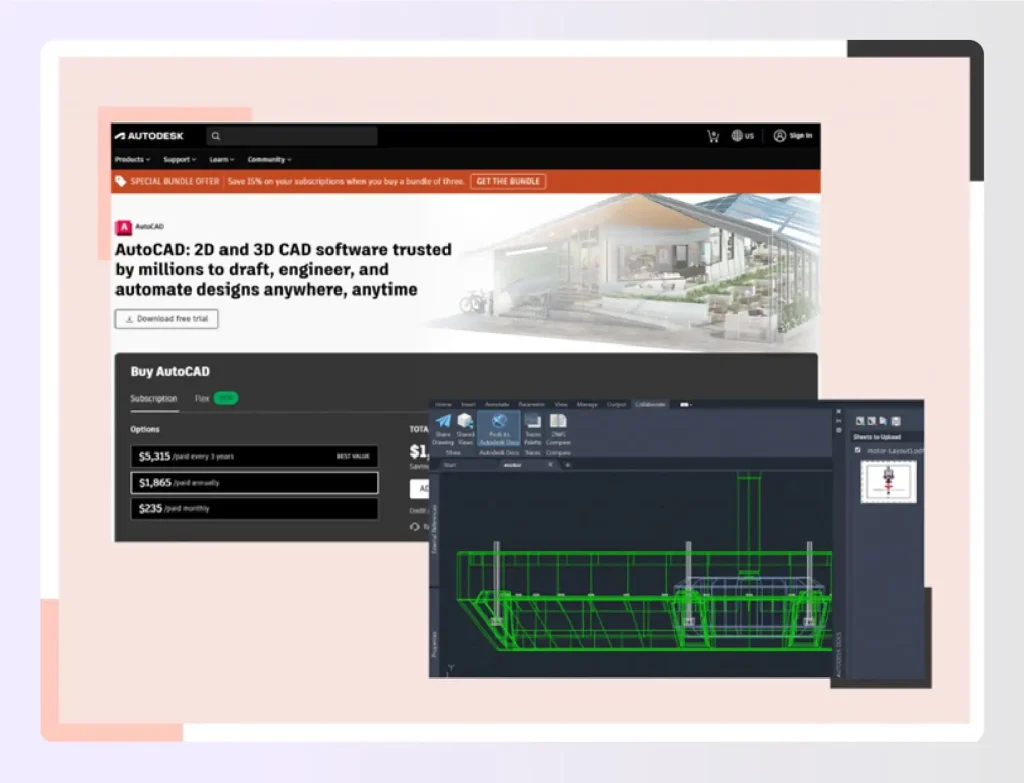
Build precise two-dimensional models with the finest documenting functionality. AutoCAD is used by design professionals, planners like architects, and main contractors to:
- Using exact 2D geometries, create, develop, and record.
- You may use a wide range of altering, creation, and marking tools.
- With a straightforward and configurable interface, you can finish tasks quickly.
Specifications and Features
Simulation of solids, surfaces, and meshes That used a variety of concrete, texture, and mesh selection of equipment, construct three-dimensional models of your idea that is realistic.
- 3D navigation (orbit, ViewCube, wheel)
- Visual styles.
- Section planes.
- Rendering.
- Cloud rendering.
- Point clouds.
- Model documentation
Pricing
- $5,315/paid every 3 years
- $1,865/paid annually
- $235/paid monthly
TOTAL
- $1,865/year Savings of 34% compared to the monthly price
Available Platforms
AutoCAD 2017-2023
Windows OS (optimal), macOS (compatible)
Pros:
- Saves significant amount of time
- Consumer-friendly interface
- Work in three dimensions
- Beneficial in variety of industries
- Transform work with powerful application
- Specific drafting tools included
- Professional design outputs
- Review and evaluate designs against specifications
- Accurate measures and details
Cons:
- Expensive start-up costs
- Time required to fully understand functionality
- Requires high computational power
- Training courses are expensive
- Cannot freely edit lines and locations
- Limited file formats
Read also – Best Free Furniture Design Software

9. Houzz Pro
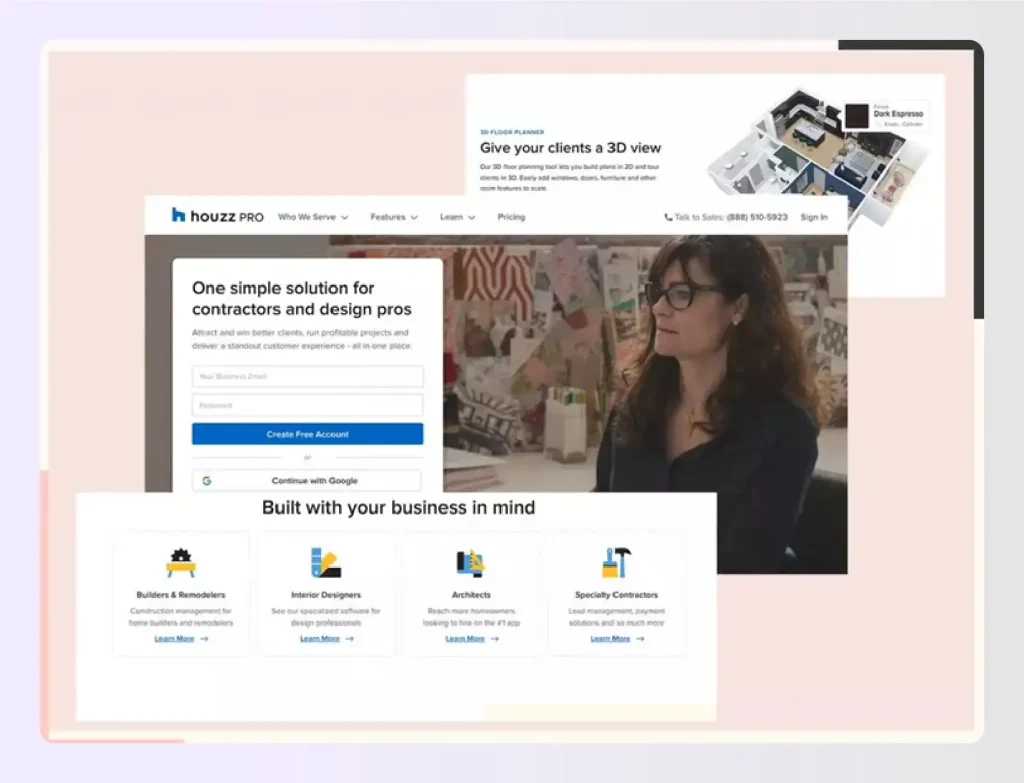
It is a lead and project management tool that simplifies operations for businesses of all sizes by standardizing all requirements in one location. Strategic planning originally proposed ideas and projects with customer screens, and personalized insights are among the key features.
Houzz Pro also has an integrated payment method which is online, project mood panels, and white-labeling for interactions. Businesses may use Houzz Pro to manage customers and track progress on every project, from estimating to completion. Using the Houzz Pro lead management system, company owners may expand client lists and streamline client interactions through the client dashboards.
Specifications and Features:
- Add jobs to the project’s schedule
- 3D floor planner and designer
- Personalize wall, flooring, and ceiling details
- Gmail connectivity for improved operations
- Demand reservations or deposits
- Specify payment arrangements in quotations
Pricing:
- Starter – $65/mo
- Essential – $49/mo
- Ultimate – $399/mo
Available Platforms:
Works on every OS like Windows and macOS. Also on the go with iPhone, iPad, and Android devices from Google Play.
Pros:
- Comprehensive business management features
- Well-known in the design industry
- Integrated client management
- Professional presentation tools
Cons:
- Client connection features may feel intrusive
- Higher pricing for full feature access
Read also – 15 Best 3D Floor Plan Software Tools
10. HomeStyler
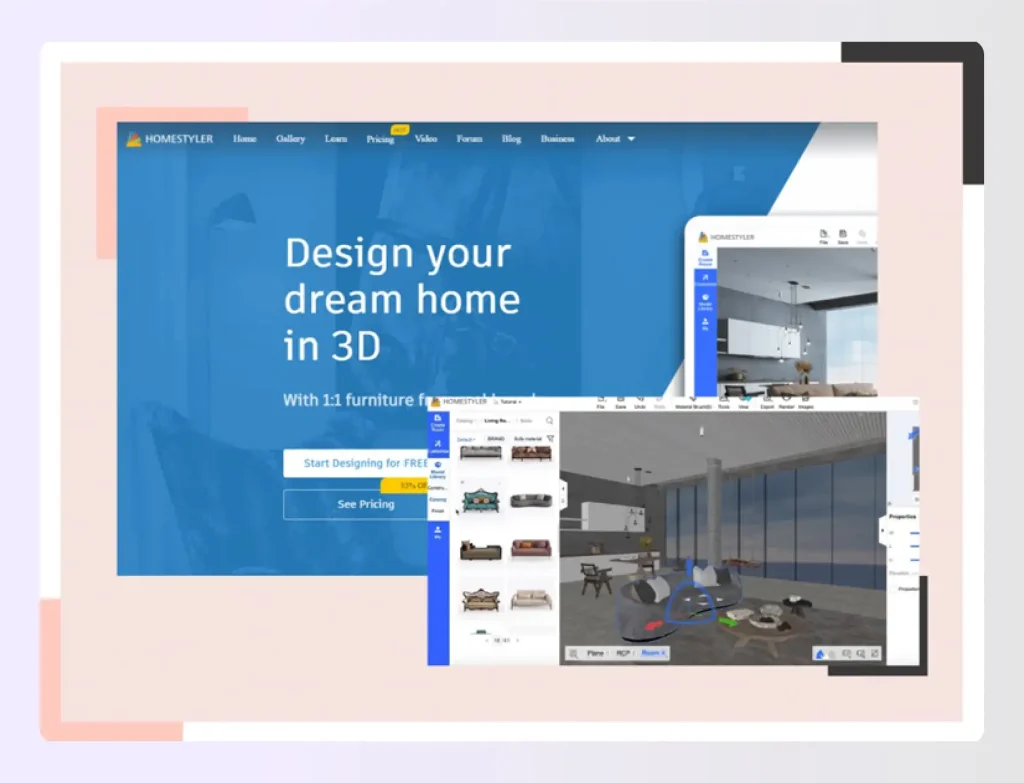
It is an easy-to-use floor process and product application for non-professionals. With the stroke of a mouse, customers may rapidly build 2D and 3D drawings for their ideal home. Users may quickly construct a 2D design layout using hundreds of pre-developed template models, and then adorn these plans by selecting the ones that best fit them from a number of options furniture selections from very well manufacturers.
Users may also choose from a variety of ornamental options like lights, paintings, carpets, and so on. Homestyler displays the design in a photorealistic 720 panoramic perspective. The platform enables users to create and customize every space in their homes to meet their own needs.
Its user-friendly interface allows the user to effortlessly move between design styles. Homestyler also provides floor plan generation templates specialized for the restroom, kitchenette, patio seating spaces, and even studio flats. You may also gain ideas from the Roomstyler community’s millions of other 3D spaces.
Specifications and Features
- Standard Rendering: Unlimited.
- HD Rendering: Unlimited.
- Ultra HD Rendering: Unlimited.
- 4K Rendering: Unlimited.
- 3D Model Upload: 500.
- Watermark Removal.
- Render Retouch.
Pricing
- Basic – Easily get started with 3D design – Free
- Pro – Enable fast & high-quality render – Starts from $4.9/month
- Master – Unlimited rendering & more – Starts from $9.9/month
Available Platforms
All iOS and Android devices, Windows, Mac OS
Pros:
- Quick design application
- Web browser version simple to use
- Up and running in under five minutes
- Motto: Build, decorate, and watch
- Large furniture selection
Cons:
- No Polish language option
- Limited interactive 3D capability
- Mobile app has occasional delays
- Less efficient for complex projects
Read also – 15 Best Floor Plan Creator
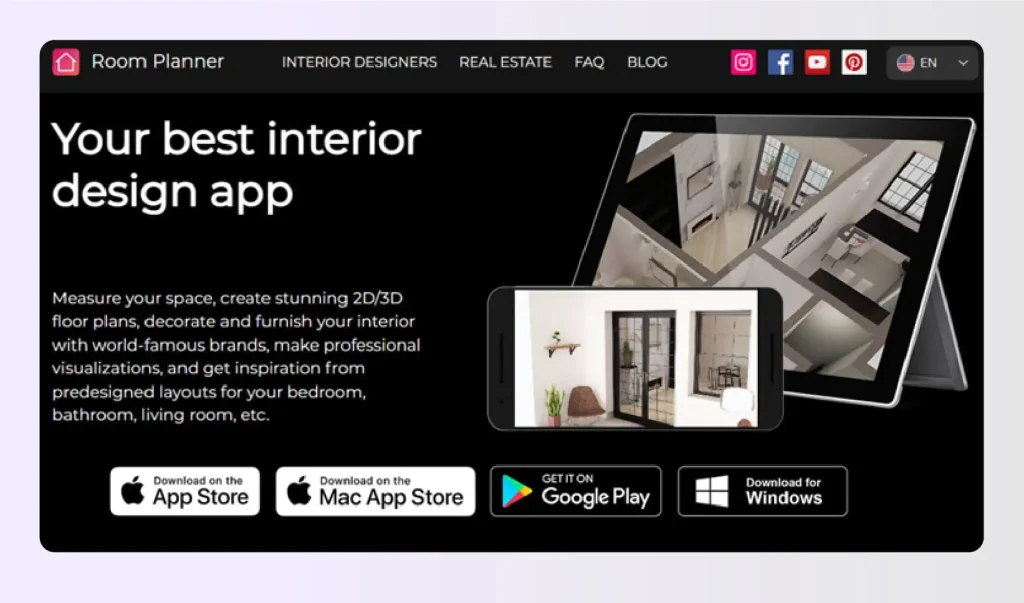
11. Roomplanner
Only with the app, you can: – Envision your idea and get a better proposal of what this would look like – Enhance your home with furnishings from world-renowned businesses. Modify everything in the image, from the hues on the ceilings to the furniture pieces. Express your thoughts with your spouse, housemates, or builders.
Begin with an already handmade project created by industry specialists or an empty space. Change the furniture and decorations, add new IKEA or other name brands, inspect your space from all angles, take photo-realistic photographs, and witness how your vision becomes a reality.
The program includes design themes for decorating the lounge room, study, dining, and restroom, among other areas. The app offers the most famous IKEA product lines.
Features:
- Begin with handmade projects or empty spaces
- Change furniture and decorations
- Add IKEA or other name brands
- Inspect space from all angles
- Take photo-realistic photographs
- Design themes for lounge, study, dining, and bathroom
- Most popular IKEA product lines included
Specifications and Features:
- Sunlight simulation
- Extensive furniture library
- 3D floor plans
- Multiple viewing angles
Pricing (In-App Purchases):
- Interior Design – $5.99
- Architecture – $14.99
- Floor plan creator – $74.99
- Design & Room maker – $59.99
- Decorate room – $119.99
- Basic version – $9.99
- Yearly Subscription – $59.99
- Lifetime – $149.99
- Weekly Business – $19.99
Available Platforms:
iPhone, iPad, iPod touch, Mac, Apple TV, Windows OS
Pros:
- Large sketching canvas for creation
- Good IKEA product integration
- Multiple viewing options
Cons:
- Some functions may be temporarily unavailable
- Learning curve for full feature utilization
Read also – 5 Best Online Cloud Rendering Software Programs
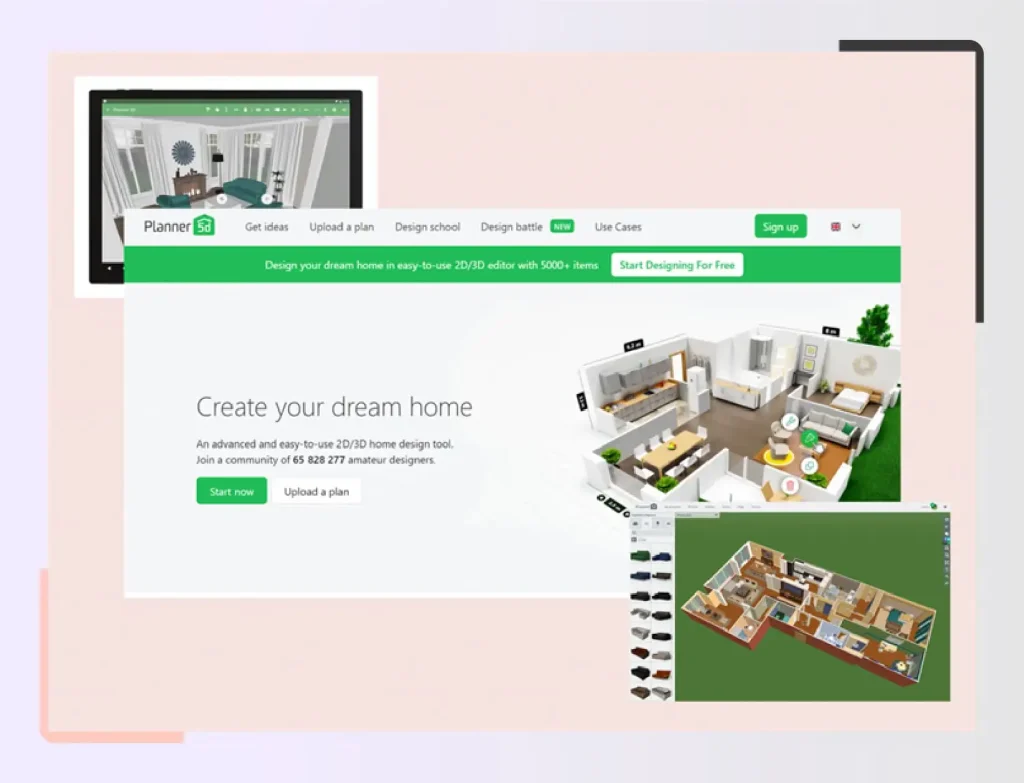
12. Planner 5D
It is a well-thought-out service for home decor. It works flawlessly regardless of the platform. It is simple to use and assists in developing projects rapidly. Choosing the remodel and modifying items is simple, and dimensions are always visible whenever operating in 2D, allowing you to stay precise with ease.
Specifications and Features:
- Automatic room generator
- AI plan recognition with augmented reality
- AR-driven 3D interior projecting feature
- Automated furniture arrangement
- Enterprise solutions
- Product configurator
- Solutions for schools
Pricing:
Starting Price: $99.00 per user/one-time
Available Platforms:
Web, iOS, Android, macOS, Windows
Pros:
- Fantastic cost-to-value ratio
- Short learning curve
- Stunning designs when complete
- Available on every major platform and iPads
- Cross-platform compatibility
Cons:
- No method to import custom items
- Shopping basket feature not available in USA
- Limited customization options
Read also – 10 Best Mood Board Apps and Software
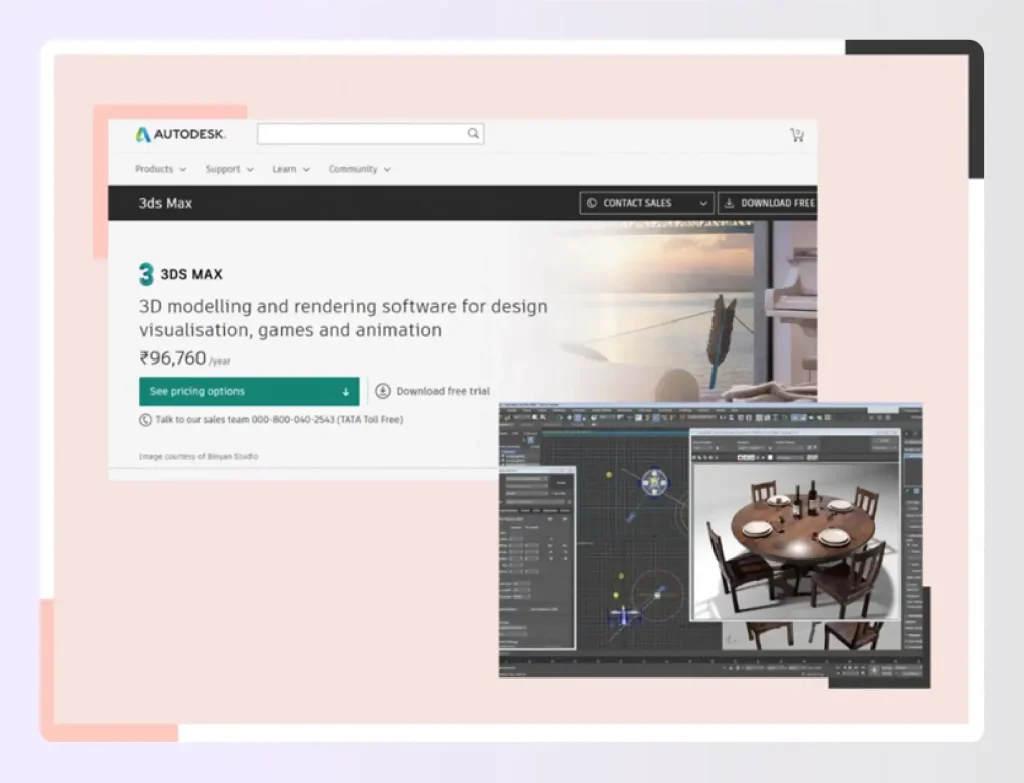
13. 3DS Max
You can build enormous worlds and luxury designs with the 3D Max premium creating 3d, modeling, and graphics software that is animated. With powerful modeling tools, you can bring settings like the living rooms and landscapes to life.
Surface modification and tinting tools help you create intricately rendered drawings and objects. Iterate and create professional-quality renderings with complete designer and developer control.
Specifications and Features:
- Enhanced retopology tools
- Enhanced Smart Extrude
- Surface and mesh modeling
- Polygonal, split interface, and building block modeling
- Modifier stack workflow
- Spline workflows
Pricing:
- $5,085/paid every 3 years
- $1,785/paid annually
- $225/paid monthly
- TOTAL: $1,785/year (Savings of 34% compared to monthly price)
Available Platforms:
x86-64, Windows OS, macOS (with Boot Camp only)
Pros:
- V-Ray is a fantastic third-party addon for architecture renderings
- Complex models created easily
- Particles and flow systems perform excellently
- Simple and appealing interface
- Accessible for novice users
Cons:
- Limited updates needed for game engine integration
- Steep learning curve for beginners
- Resource-intensive application
Read also – 10 Best Bathroom Design Apps and Software
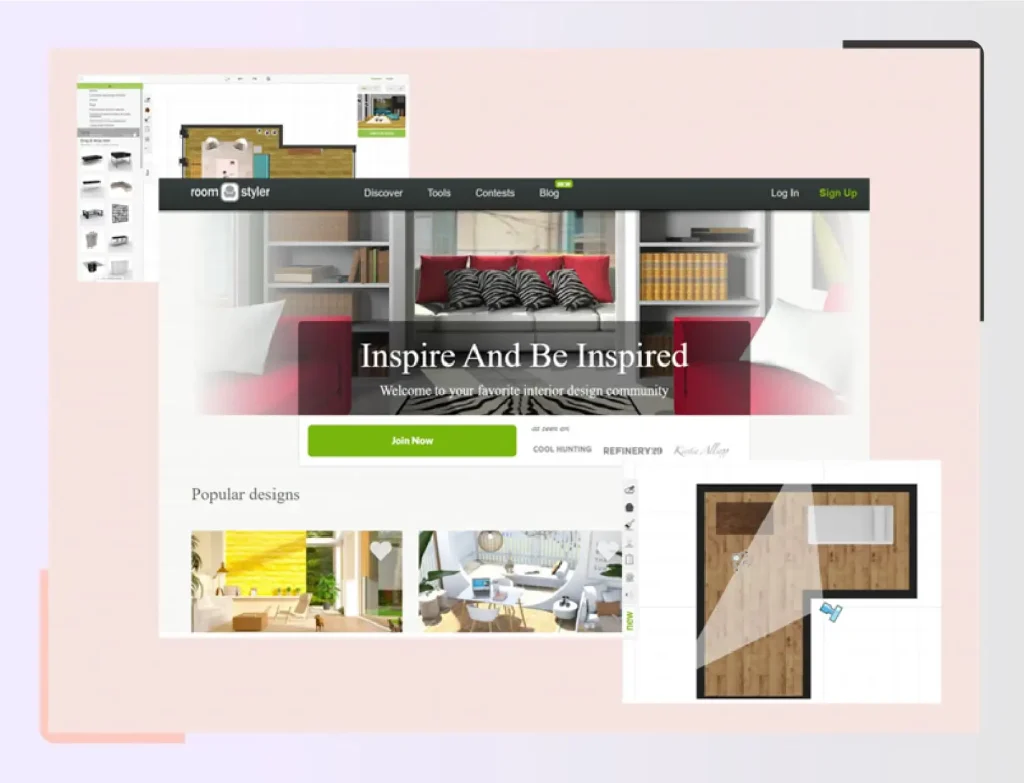
14. Roomstyler
Roomstyler 3D Room Planner (formerly known as Mydeco) is a fantastic free web room design program, mostly since it is so simple to use. Best part about this software is that its free to use.
Specifications and Features:
- Sunlight simulation
- Extensive furniture library
- 3D floor plans
- 3D rendering
- Total area calculation
- Measurement scale
- 360-degree visualizer
- Lighting customization
Pricing:
Free
Available Platforms:
Web browser, macOS, Windows
Pros:
- Completely free with all features
- 3D design room styling tools
- Practice and share on social media
- No subscription required
Cons:
- Sometimes hard to find specific functions
- No real-time virtual 3D design
- Occasional errors and slowdowns
- Limited support for complex projects
Read also – 10 Best Free 3D Modeling Software
15. Revit
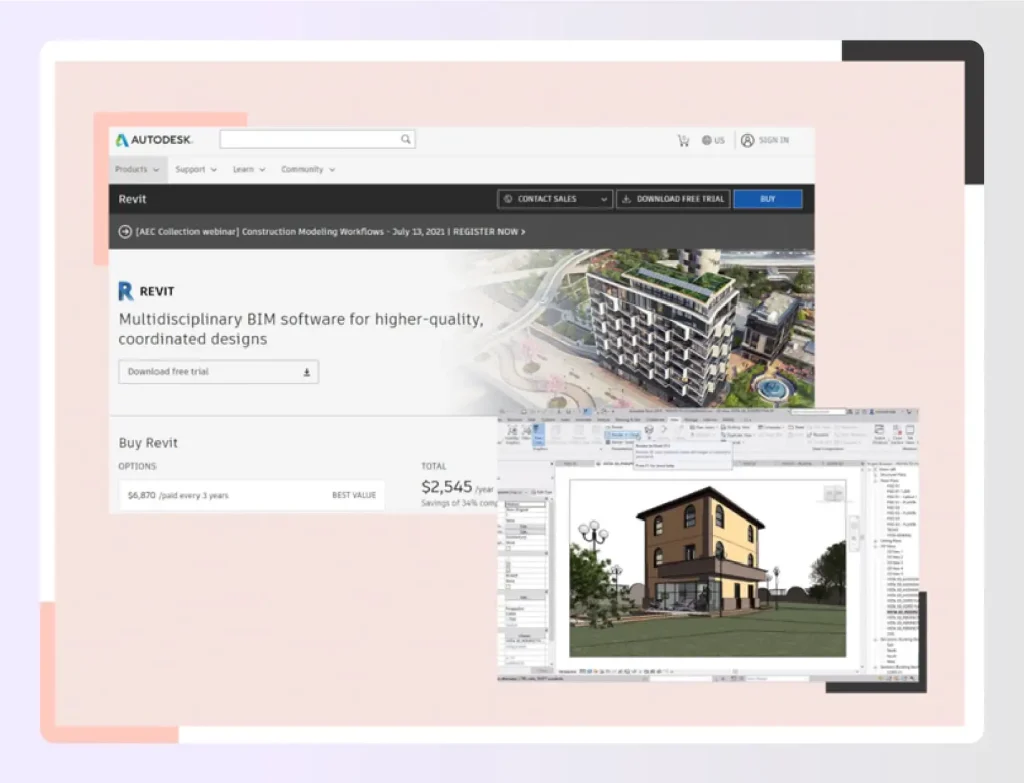
Architecture, engineering, and construction (AEC) teams can use Revit BIM software to design high-quality structures and infrastructure. Model 3D shapes, structures, and systems with parametric accuracy, precision, and convenience using Revit.
As projects evolve, streamline documentation work with quick modifications to plans, elevations, schedules, and sections.
Provide specialised toolsets and a uniform project environment to interdisciplinary teams.
Specifications and Features:
- Parametric elements with real walkthrough capabilities
- Arrange partitions, doorways, and windows
- Integrated visual design system
- Worksharing capabilities
- Schedules management
- Interoperability with other software
- Annotation tools
- Global parameters
- Developer tools and solutions
- Generative design in Revit
Pricing:
- $7,625/paid every 3 years
- $2,675/paid annually
- $335/paid monthly
Available Platforms:
Windows OS, macOS (with Boot Camp)
Pros:
- Widely used across entire industry
- Ideal program for BIM projects
- Suitable for housing, commercial, and infrastructure
- Professional results
- Industry standard
Cons:
- Costly with annual updates
- Monopoly in BIM market limits alternatives
- Steep learning curve
Read also – 20 Best Home Renovation Apps & Software
How to Choose the Ideal Room Design Software for Your Business or Design Project?
There are some of the best room design programs in the market. You need to find one that is best suited for your business requirements.
Every room design software has its own merits. However, they vary in terms of design parameters, subscription charges, ease of accessibility, added features, hardware and software specifications, and templates they offer. In order to choose the interior design software that is best suited for your needs, you need to evaluate the utility and budget.
Here are a few parameters to bear in mind when choosing your room design tools:
1. Cost of subscription
Pricing matters. The room design software you choose must be cost-effective and offer subsequent services as per the pricing. A high rate of subscription is not at all feasible for small business owners, much less for homeowners embarking on private projects. Any of the best roomd ensign programs you choose, must facilitate a number of design tools and in this day and age, must allow 3D renderings. All of these facilities must be affordable and not dig a hole in your budget, for the company or personal projects.
2. Ease of access
Most of the best room design programs require a certain amount of knowledge in the field before you can engage. For design professionals, this is a relatively easy task as they go through rigorous training during their coursework. However, for new graduates and homeowners, this may seem a little challenging. So, choose a design app or room design software that is not only low-priced with incredible features but also user-friendly.
3. Features available
You need a tremendous number of features when designing a house. It is not just about creating a mood board but an accurate idea of what the home should look like. Therefore, your design software must facilitate design features such as choosing or creating room layouts, selecting your furniture and fixtures, adding special effects that you will create with lighting, precise space planning, and picking styles and themes for home decor.
4. Library of templates
For professional interior decorators, you need to have a range of templates to choose from. They must adequately complement your design styles thus impressing potential clients for the project.
5. Tutorials
Aside from a simple interface, tutorials are a must when you pick your room design software. Even with extensive training in design functionality and 3D mode, some features require an in-depth understanding. This is easier to do when you can refer to a tutorial video informing you about the different features offered by the software. You can use the design app to your best advantage when you know what you can do with it.
6. Sharing options
In today’s era, you need the feasibility to share your design ideas with clients via online channels. The ease of sharing enables you to interact with clients without having to visit and revisit them. Additionally, the ability to share your designs on social media platforms actually provides a marketing edge to attract new clients.
7. System requirements
You need to find room design apps and software tools that work best with your available devices. Whether you use an Android phone or tablet, an iPad or Mac Book with iOS, or a Microsoft computer, you need access to the software without glitches.
Based on these factors, you can make an informed decision about which room design software serves you well. Think about short-term and long-term requirements.
Why is Foyr Neo the Best Room Design Software?
Foyr Neo transforms your workflow by combining floor planning and 3D rendering into one seamless browser-based tool. Skip the steep learning curve of traditional CAD software and create photorealistic designs up to 50% faster than industry standards.
- Massive Asset Library: Drag and drop from 60,000+ pre-modeled 3D items or upload your own custom models.
- Lightning-Fast Cloud Rendering: Generate 12K photorealistic renders in minutes without tying up your computer’s resources.
- AI-Powered Efficiency: Let AI handle complex lighting and auto-population, eliminating tedious manual adjustments.
- One-Stop Solution: Manage everything from 2D layout planning to final 3D visualization in a single interface.
- Professional Presets: Jumpstart designs with ready-to-use templates for kitchens, offices, and residential spaces.
Don’t let technical hurdles slow down your creativity. Test drive the industry’s fastest design software today and see how easy it is to impress clients and close deals faster.
Sign up for a 14-day free trial of Foyr Neo and start designing.
FAQs
Is there an app that will help me design a room?
Yes, there are many apps, but Foyr Neo stands out as the industry leader. It offers cloud-based 3D modeling with over 50,000 render-ready items, making it one of the best room design programs available. While options like SketchUp or Planner 5D are good for specific tasks, Foyr Neo’s all-in-one platform takes you from floor plan to 12K renders in minutes.
What is the easiest floor plan software to use?
While Floorplanner is a solid choice for basic layouts, Foyr Neo is arguably the easiest floor plan software for professionals. Its intuitive drag-and-drop interface requires zero learning curve, allowing you to create complex layouts instantly. Unlike other best room design programs that require CAD skills, Foyr Neo uses AI to automate the hard work, letting you focus purely on creativity.
How to design a room layout for beginners?
Start by measuring your space and inputting dimensions into the best room design programs like Foyr Neo. Identify focal points and plan traffic flow first. Foyr Neo simplifies this for beginners by offering AI-assisted layouts and drag-and-drop furniture, allowing you to visualize different arrangements virtually. This prevents costly mistakes and ensures your design is functional before you buy a single piece of furniture.
What are common home design mistakes?
Common mistakes include buying oversized furniture, poor lighting planning, and ignoring traffic flow. These errors are expensive to fix in real life. The solution is using the best room design programs like Foyr Neo to visualize dimensions accurately beforehand. By rendering your space in 12K first, you can catch lighting issues and layout clashes instantly, ensuring every piece fits perfectly before purchasing.
Which room layout planner is easiest to use?
Foyr Neo is widely considered the easiest room layout planner because it combines professional power with simplicity. Unlike other best room design programs, it runs in your browser and requires no CAD training. With its massive 3D library and AI tools, you can drag, drop, and render in minutes. While Roomstyler is good for hobbyists, Foyr Neo offers professional-grade speed and ease.