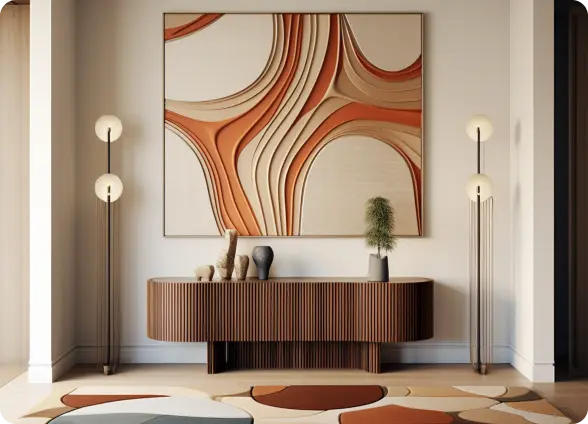
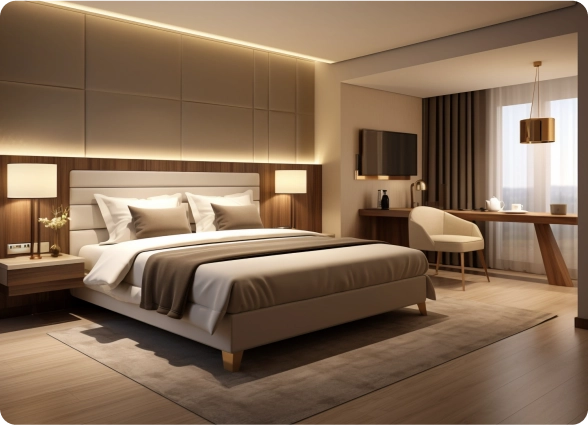
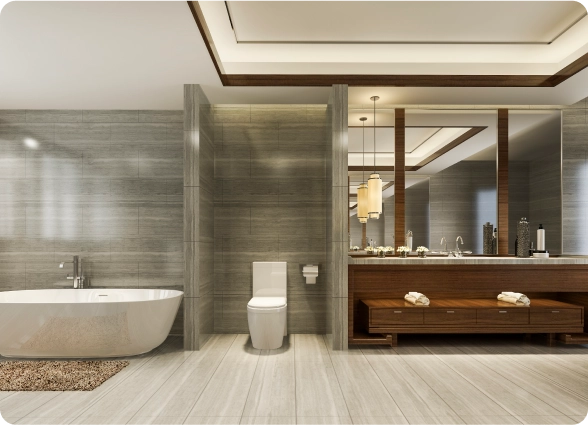
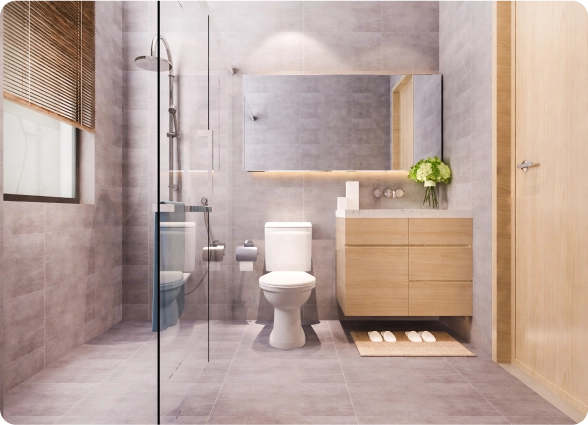
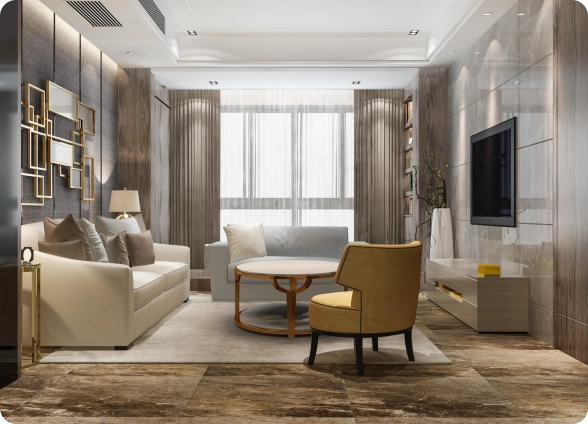
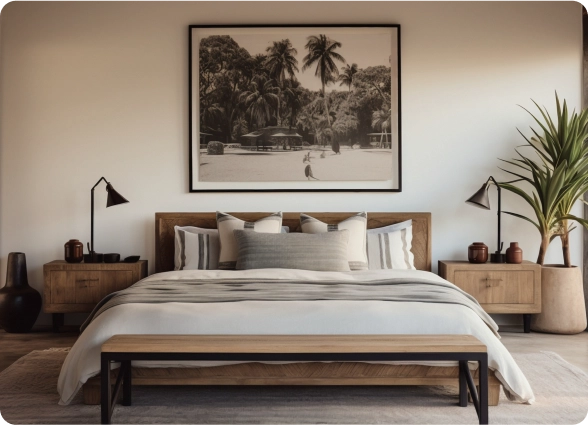
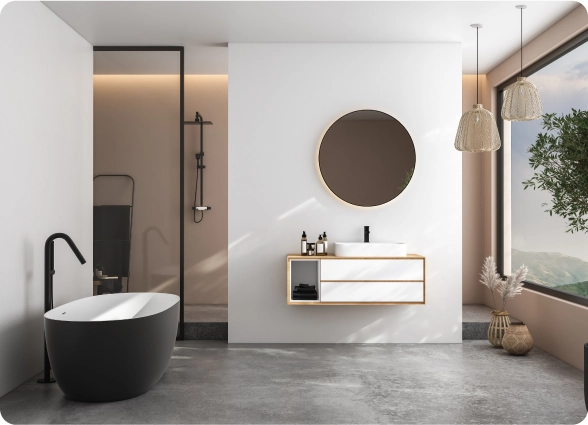
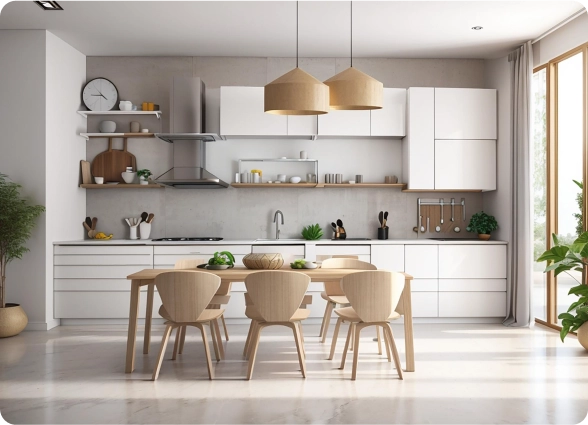
 Foyr Neo has made my design workflow super simple! My rendering times are cut down by more than half. They are always working on so many new updates. The chat support system is super helpful and I love the community Foyr has created.
Design your room layout, experiment with furniture placement, and visualize your space in stunning 3D with FOYR’s intuitive room planner and room designer. Whether you’re planning a home renovation or simply trying to see how a new piece of furniture fits, create accurate floor plans for any room with ease using our powerful, all-in-one room layout planner.
Try FREE for 14 days
Trustpilot
 4.3 ratings
Used by interior designers and homeowners worldwide
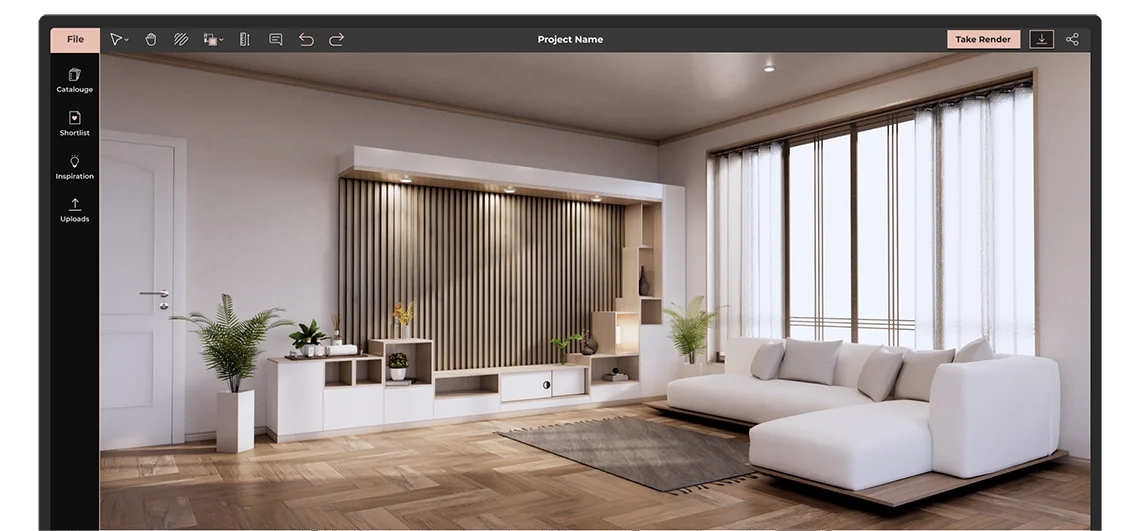
Planning your room layout becomes easy when you follow a structured approach. Whether you're redesigning a small bedroom or planning a complete home renovation, using a room planner tool helps you create accurate layouts, experiment with ideas, and visualize your space before making any real-world changes. Follow these steps to design a functional and visually appealing room.
Step 1
Start by measuring the dimensions of your room, including the length, width, and height of the space. Make sure to note the position of doors, windows, electrical outlets, and any fixed elements like columns or wardrobes. Accurate measurements are the foundation of a successful room layout, as even small errors can impact furniture placement and overall design flow. Using a digital room planner makes it easier to input these dimensions and avoid manual mistakes.
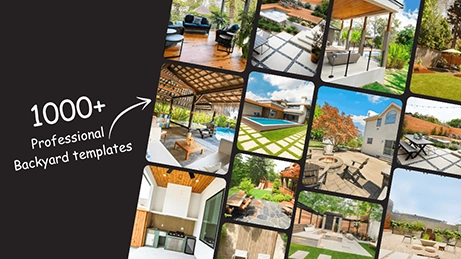
Step 2
Once you have the measurements, the next step is to build your floor plan using a room layout planner. This allows you to define walls, mark openings, and create a scaled representation of your space. A well-structured layout helps you understand how much usable space you have and ensures that your design decisions are practical. With an online room planner tool, you can quickly modify layouts and test different configurations without starting from scratch.
Step 3
After setting up your layout, begin adding furniture to your design. Place essential items like beds, sofas, tables, and storage units first, then experiment with different arrangements to find what works best. The goal is to create a layout that maximizes comfort, movement, and usability. A good room design balances open space with functionality, ensuring that the room doesn’t feel overcrowded while still meeting your needs.
Step 4
Switching to 3D room design mode allows you to see your space from a realistic perspective. This step is crucial for understanding how furniture, colors, lighting, and textures come together. Unlike 2D layouts, 3D visualization helps you identify design flaws, spacing issues, or mismatched elements before execution. It also gives you a clear idea of how your final room will look and feel in real life.
Step 5
Finally, refine your room layout by adjusting spacing, improving lighting, and adding decorative elements. Consider factors like walking space, natural light flow, and furniture proportions to enhance both functionality and aesthetics. Small changes, such as repositioning furniture or adjusting dimensions, can significantly improve the overall design. With a room planner tool, you can iterate quickly and finalize a layout that perfectly suits your style and needs.
FOYR’s room layout planner tool is built to help you design faster, visualize better, and create accurate room layouts with ease. Whether you are a beginner or a professional, it combines powerful features with an intuitive interface to simplify the entire room design process

Create highly accurate room layouts using advanced 2D and 3D planning tools. Define dimensions, adjust layouts, and visualize every detail of your space with precision. The ability to switch seamlessly between 2D and 3D views ensures that your room design is both practical and visually refined.
With precise measurements and real time adjustments, you can confidently plan layouts that are ready for execution.

Access a vast library of 3D models including furniture, lighting, and decor elements. Simply drag and drop items into your layout and customize them to match your design style.
If you need something unique, you can request custom models to match specific requirements. This flexibility allows you to create personalized room designs without limitations.

Bring your room design to life with high quality 3D visualization. Explore your space in a realistic environment and understand how different elements work together.
You can adjust colors, materials, textures, and layouts in real time, helping you make better design decisions before execution.

Experience your room in a more interactive way using advanced visualization features. View your designs from different angles and get a clearer understanding of space, scale, and layout.
This makes it easier to present ideas, collaborate with others, and finalize designs with confidence.
FOYR’s room planner tool helps you move from idea to execution faster with accurate layouts, powerful design features, and realistic 3D visualization.
Our advanced room planner tool makes it easy to design, customize, and visualize any space in your home without technical skills. Whether you are planning a renovation or trying different layouts, this room layout planner helps you create accurate floor plans and realistic 3D room designs in just a few simple steps.
Follow this step by step guide to bring your room design ideas to life:
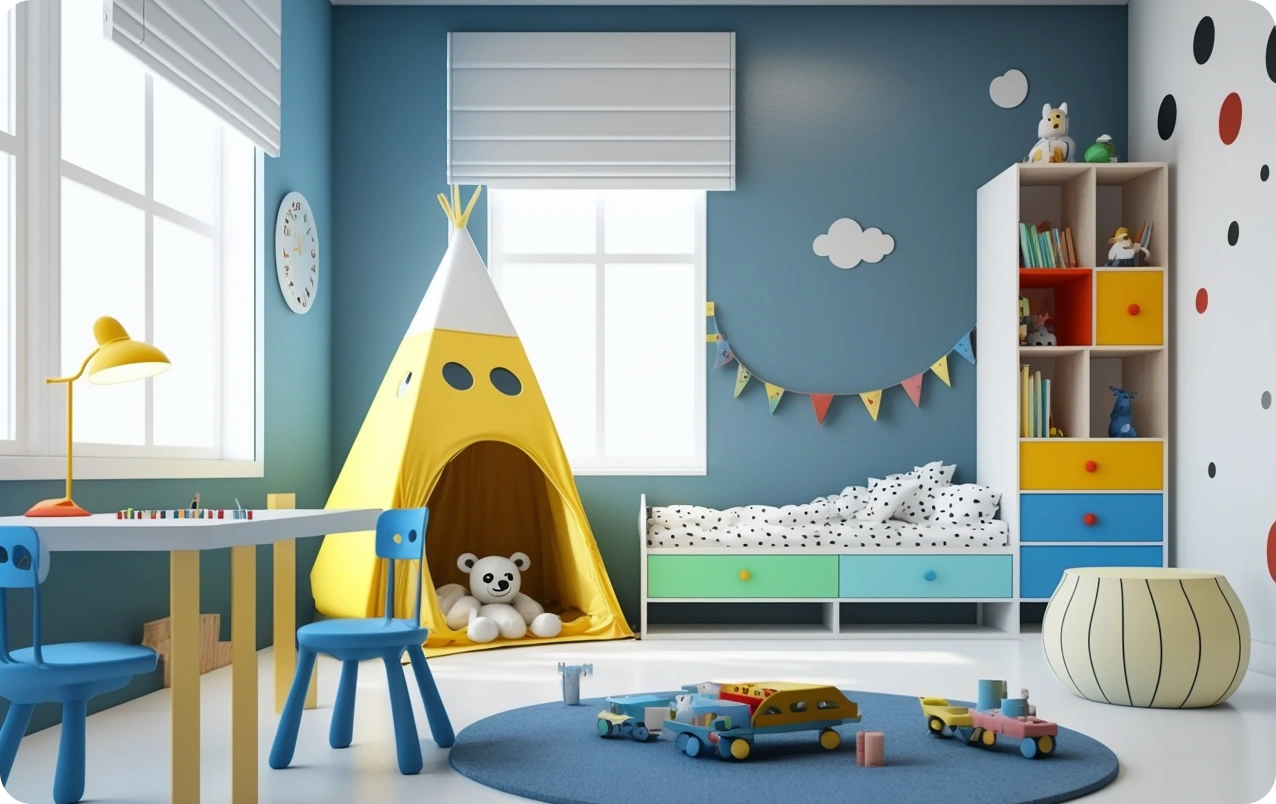
Start by creating your room layout using the 2D planner. You can choose a pre designed template or draw your room from scratch based on your needs. Add walls, doors, and windows using simple drag and drop tools, and adjust dimensions to match your actual space.
This step helps you build a precise floor plan and sets the foundation for your room design.
Once your layout is ready, explore a wide range of furniture, lighting, and decor items. Drag and drop elements into your layout and test different arrangements to find the most functional and visually appealing setup.
A room planner tool allows you to experiment with furniture placement instantly, helping you improve space usage and overall design.
Switch to 3D mode to see your room in a realistic view. This helps you understand how furniture, colors, and textures will look together in real life. You can adjust materials, layouts, and design elements in real time, making it easier to finalize your room design with confidence.
After completing your layout, save your project for future edits or download it for reference. You can also share your design with family members, clients, or contractors to get feedback or move forward with execution.
A room planner tool is designed for anyone who wants to design, visualize, and optimize a space efficiently. Whether you are planning a home update, working on a professional project, or experimenting with room design ideas, it helps you create accurate layouts, test different setups, and visualize your space in 2D and 3D before making real changes.

Plan and communicate layouts effectively with clients and teams. Use clear floor plans to ensure smooth execution during construction or renovation.
Help customers visualize how furniture fits into real spaces. Improve buying confidence and increase conversions with realistic room layouts.
Create professional room layouts and detailed 3D room designs faster. Present ideas clearly to clients and explore multiple design concepts with ease.
Design and refine spatial layouts with accuracy. Use a room planner to visualize concepts and improve planning before finalizing designs.
Showcase property layouts visually to attract buyers and tenants. Help clients understand space better with clear room design layouts and 3D views.
Design efficient office layouts, seating plans, and collaborative spaces. Optimize productivity by planning better space utilization.
Our room layout planner is the only tool you need to turn any room in your house into the space of your dreams. Create professional-looking floor plans and designs in minutes without requiring technical skills. Upload existing plans, start from scratch, or choose from ready-made templates. Choose from over 60,000 furniture and decor items, including fireplaces, wall paneling, and wooden beams. Adjust materials, colors, and styles with ease. Preview how your room will look in 3D and easily switch between 2D and 3D views. Do a 360-degree virtual walkthrough of your project with our room planner and generate high-quality renders to share with family, friends, or contractors.
Step 1
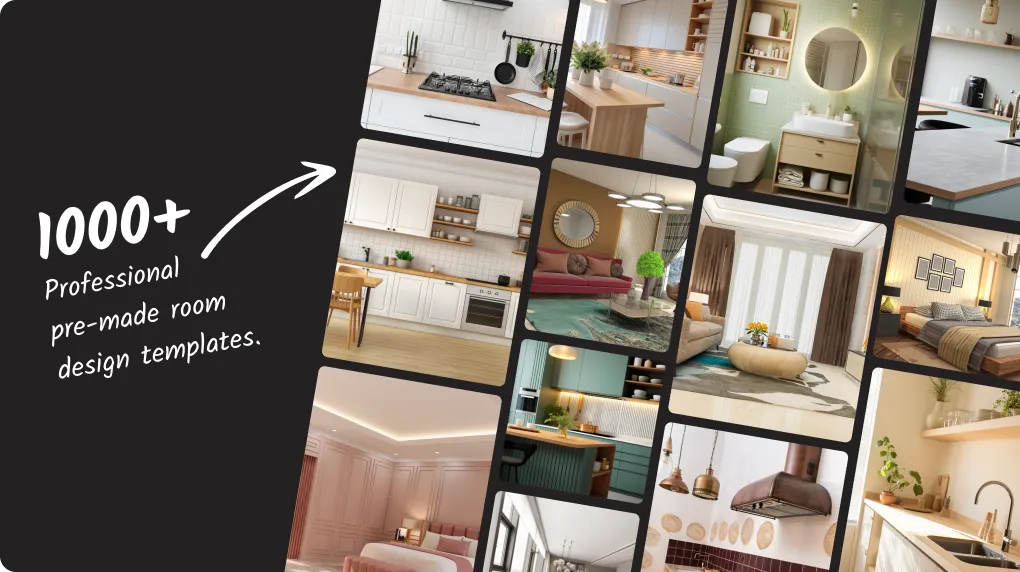
Foyr Neo virtual room planner has hundreds of professional pre-made room design templates you can use to kickstart your design. Make minor edits and the design you so admire will be your own!
Step 2
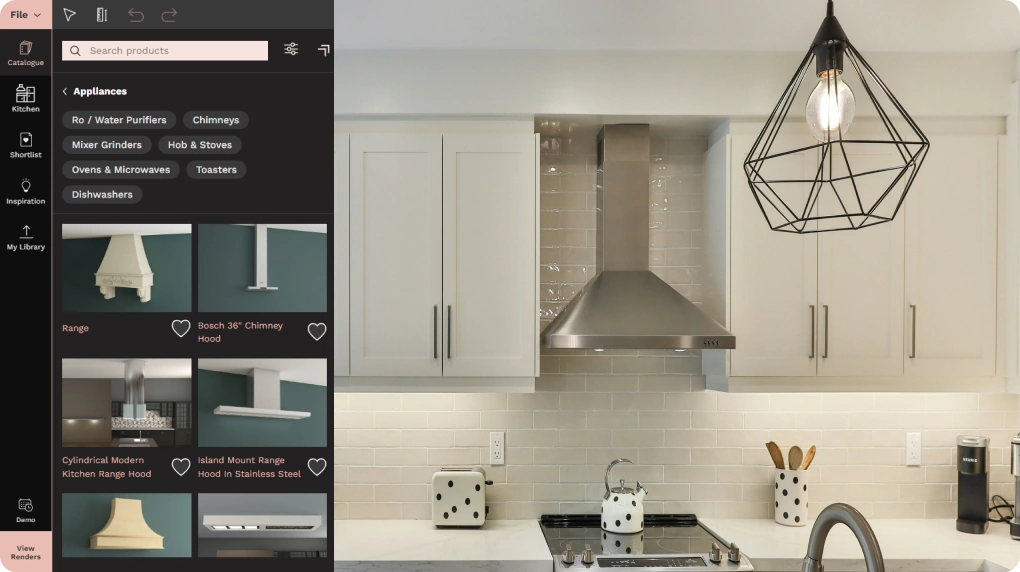
You will be spoilt for choice with the Foyr Neo room planner tool’s dedicated room design catalogs for all utility and design elements, ranging from doorknobs to large furniture pieces.
Step 3
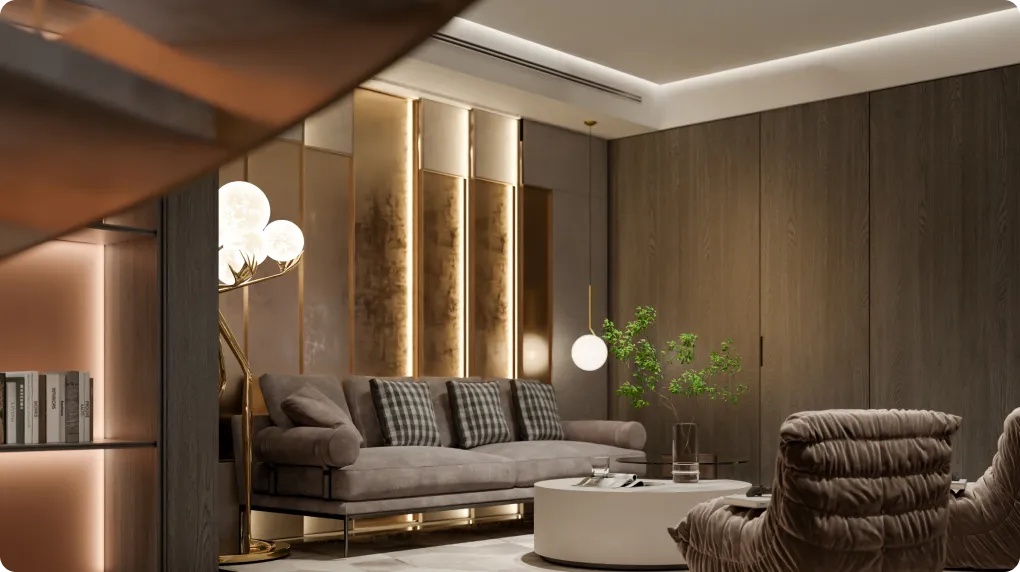
Edit in 2D and 3D mode and once everything looks perfect, select a shot, adjust the preset, and take 4K photorealistic renders of your room design in Foyr Neo’s online room layout planner tool and blow away your clients!
Step 4
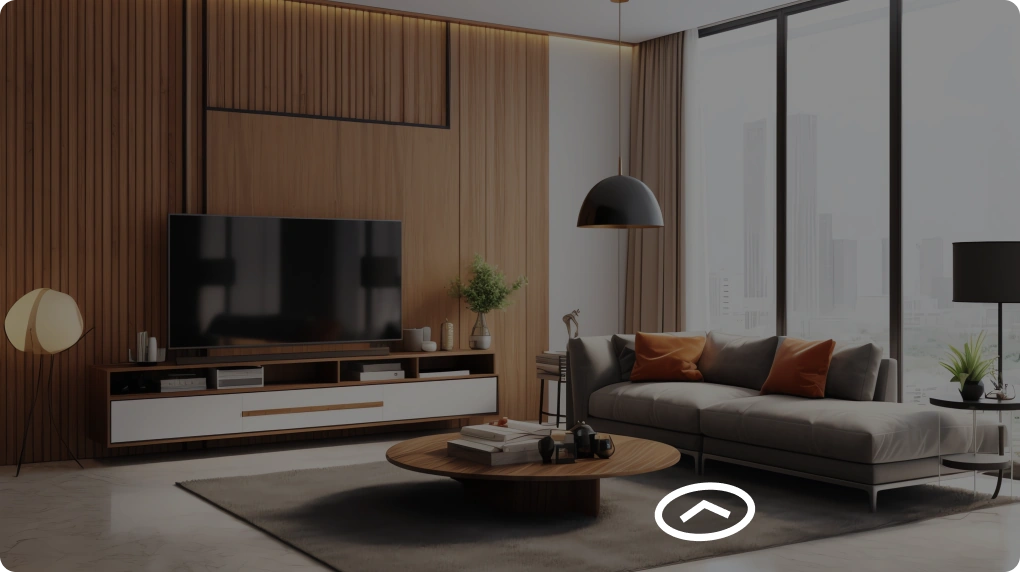
Turn your design interactive and engaging with our 3D and 2D room planner tool’s 360-degree spin views that will leave no room for doubt in your client’s mind.

More than 3000 users have been helped by Foyr Neo

Kathy Noumi

Eric Dillman

Kristy Begin Patterson

Tierney Larkin

Rachel Collins

Lesley Myrick
Professional interior designers and creators with multiple projects


Explore the average bedroom size, master bedroom size, and standard bedroom size. Discover standard ...
Read article
Foyr offers insights into different types of rooms and room names. Learn about various room types in...
Read article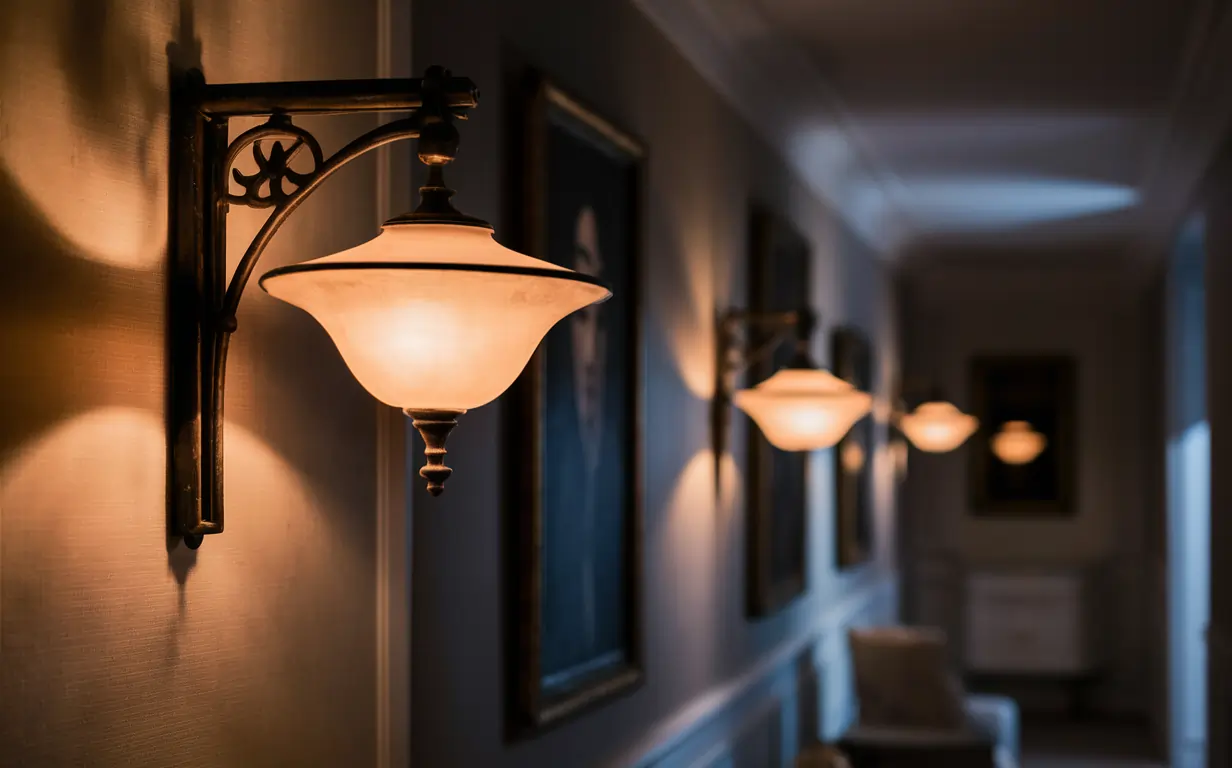
Discover the perfect wall sconce for every room with our expert guide! Explore now and light up your...
Read articleDesign your space with Foyr’s online room planner tool. No experience needed—just drag, drop, and see your space come to life in 2D and 3D. Start for free!
Try FREE for 14 days