Room Planner Tool to Plan
Your Room in 2D & 3D

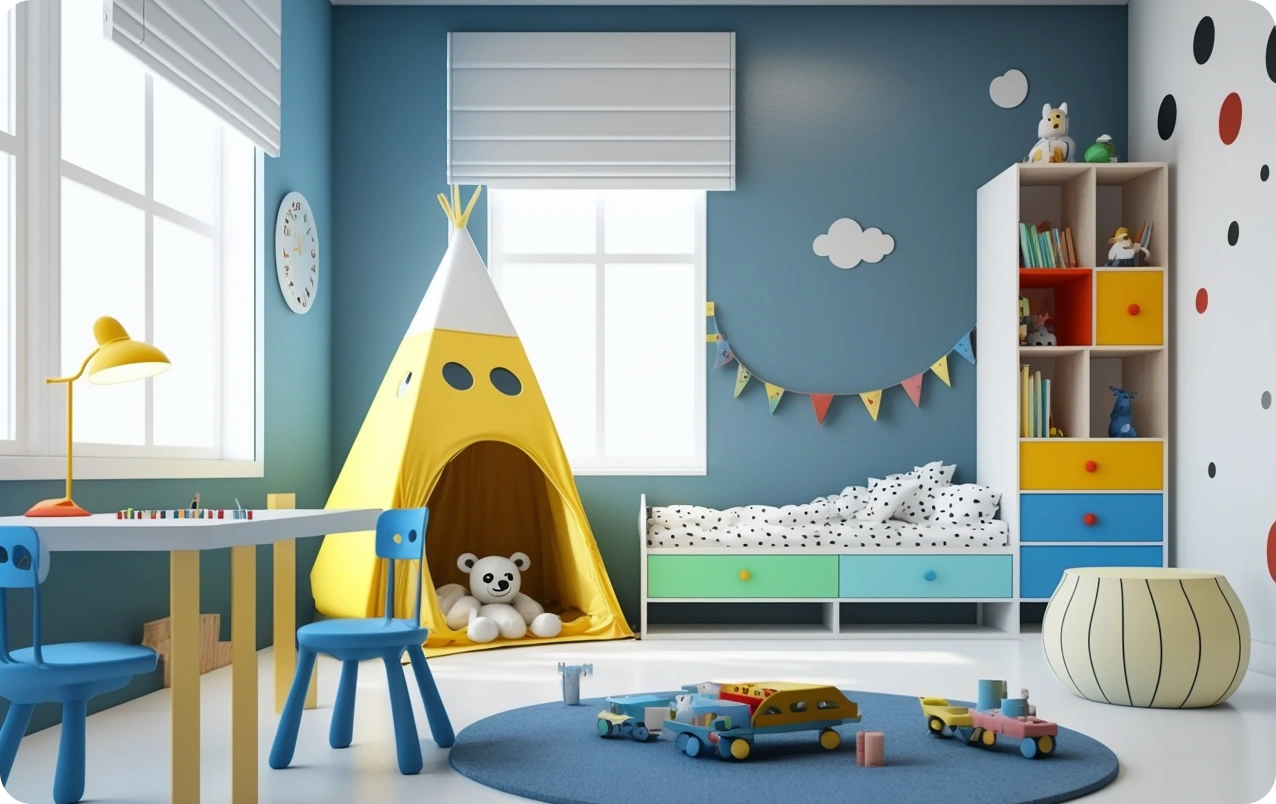
Design your room layout, experiment with furniture placement, and visualize your space in stunning 3D with FOYR’s intuitive room planner and room designer. Whether you’re planning a home renovation or simply trying to see how a new piece of furniture fits, create accurate floor plans for any room with ease using our powerful, all-in-one room layout planner.

room planner tool
Trusted by
Designer Designer Designer Designer Designer Designer
150,000+ designers

How to Plan
Your Room?

Planning your room layout becomes easy when you follow a structured approach. Whether you're redesigning a small bedroom or planning a complete home renovation, using a room planner tool helps you create accurate layouts, experiment with ideas, and visualize your space before making any real-world changes. Follow these steps to design a functional and visually appealing room.

Measure Your Room Accurately

Start by measuring the dimensions of your room, including the length, width, and height of the space. Make sure to note the position of doors, windows, electrical outlets, and any fixed elements like columns or wardrobes.

Accurate measurements are the foundation of a successful room layout, as even small errors can impact furniture placement and overall design flow. Using a digital room planner makes it easier to input these dimensions and avoid manual mistakes.

Create a Room Layout

Once you have the measurements, the next step is to build your floor plan using a room layout planner. This allows you to define walls, mark openings, and create a scaled representation of your space.

A well-structured layout helps you understand how much usable space you have and ensures that your design decisions are practical. With an online room planner tool, you can quickly modify layouts and test different configurations without starting from scratch.

Add Furniture and Experiment with Placement

After setting up your layout, begin adding furniture to your design. Place essential items like beds, sofas, tables, and storage units first, then experiment with different arrangements to find what works best.

The goal is to create a layout that maximizes comfort, movement, and usability. A good room design balances open space with functionality, ensuring that the room doesn’t feel overcrowded while still meeting your needs.

Visualize Your Room in 3D

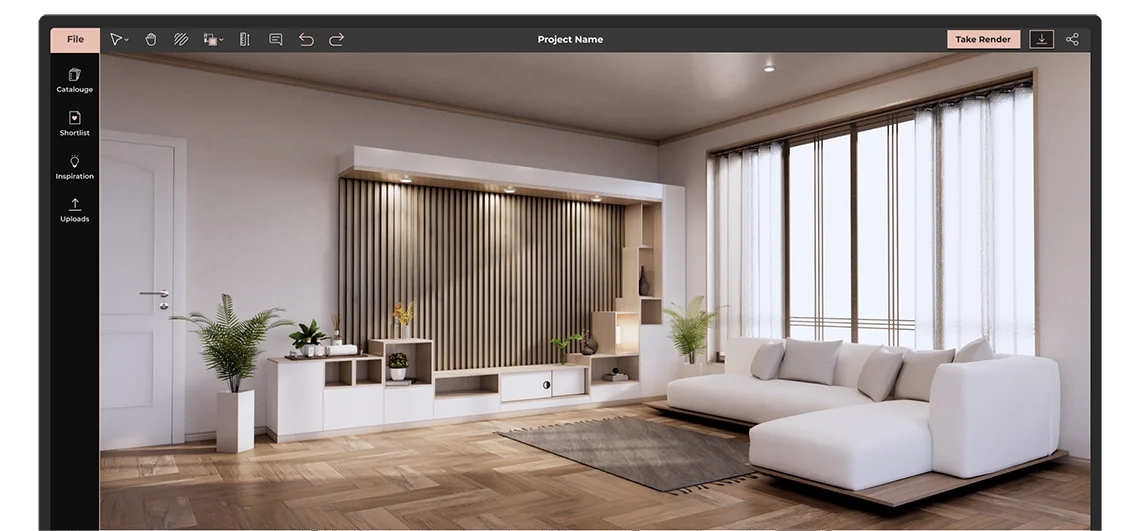
Switching to 3D room design mode allows you to see your space from a realistic perspective. This step is crucial for understanding how furniture, colors, lighting, and textures come together.

Unlike 2D layouts, 3D visualization helps you identify design flaws, spacing issues, or mismatched elements before execution. It also gives you a clear idea of how your final room will look and feel in real life.

Optimize and Refine Your Design

Finally, refine your room layout by adjusting spacing, improving lighting, and adding decorative elements. Consider factors like walking space, natural light flow, and furniture proportions to enhance both functionality and aesthetics.

Small changes, such as repositioning furniture or adjusting dimensions, can significantly improve the overall design. With a room planner tool, you can iterate quickly and finalize a layout that perfectly suits your style and needs.

Why Use Foyr's
Room Layout Planner Tool?

FOYR’s room layout planner tool is built to help you design faster, visualize better, and create accurate room layouts with ease. Whether you are a beginner or a professional, it combines powerful features with an intuitive interface to simplify the entire room design process

Design with Accuracy and Precision

Create highly accurate room layouts using advanced 2D and 3D planning tools. Define dimensions, adjust layouts, and visualize every detail of your space with precision. The ability to switch seamlessly between 2D and 3D views ensures that your room design is both practical and visually refined.

With precise measurements and real time adjustments, you can confidently plan layouts that are ready for execution.

01
02

Extensive Library with Customization Options

Access a vast library of 3D models including furniture, lighting, and decor elements. Simply drag and drop items into your layout and customize them to match your design style.

If you need something unique, you can request custom models to match specific requirements. This flexibility allows you to create personalized room designs without limitations.

Realistic 3D Visualization and Renders

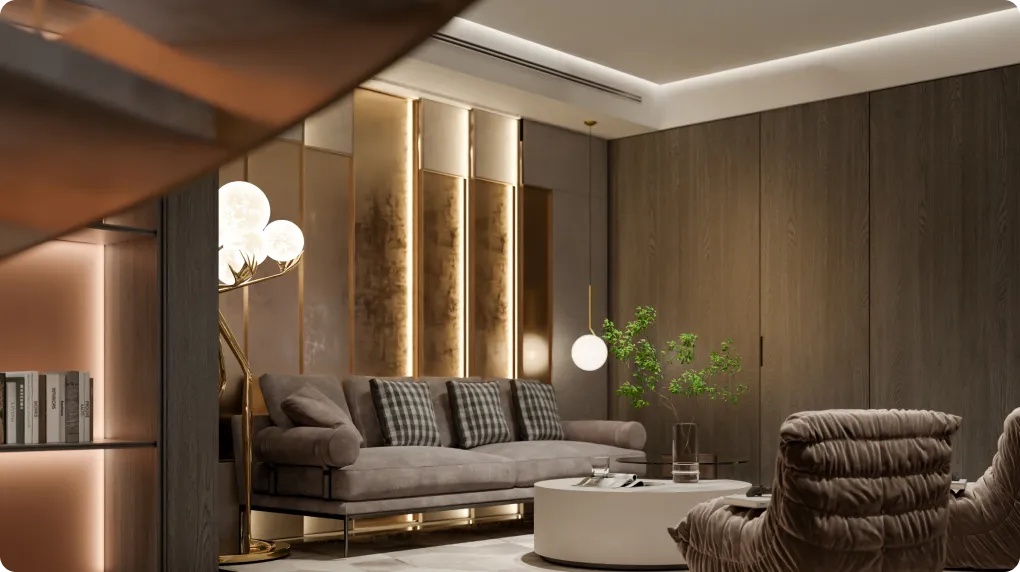
Bring your room design to life with high quality 3D visualization. Explore your space in a realistic environment and understand how different elements work together.

You can adjust colors, materials, textures, and layouts in real time, helping you make better design decisions before execution.

03
04

Immersive Design Experience

Experience your room in a more interactive way using advanced visualization features. View your designs from different angles and get a clearer understanding of space, scale, and layout.

This makes it easier to present ideas, collaborate with others, and finalize designs with confidence.

FOYR’s room planner tool helps you move from idea to execution faster with accurate layouts, powerful design features, and realistic 3D visualization.

How to Use Foyr's Room Planner Tool?

Our advanced room planner tool makes it easy to design, customize, and visualize any space in your home without technical skills. Whether you are planning a renovation or trying different layouts, this room layout planner helps you create accurate floor plans and realistic 3D room designs in just a few simple steps.

Follow this step by step guide to bring your room design ideas to life:

Who Should Use a
Room Planner Tool?

A room planner tool is designed for anyone who wants to design, visualize, and optimize a space efficiently. Whether you are planning a home update, working on a professional project, or experimenting with room design ideas, it helps you create accurate layouts, test different setups, and visualize your space in 2D and 3D before making real changes.

Group-1000016230

Contractors

Plan and communicate layouts effectively with clients and teams. Use clear floor plans to ensure smooth execution during construction or renovation.

Group-1000016230

Furniture Retailers and Ecommerce Brands

Help customers visualize how furniture fits into real spaces. Improve buying confidence and increase conversions with realistic room layouts.

Interior Designers

Create professional room layouts and detailed 3D room designs faster. Present ideas clearly to clients and explore multiple design concepts with ease.

Group-1000016230

Architects

Design and refine spatial layouts with accuracy. Use a room planner to visualize concepts and improve planning before finalizing designs.

Real Estate Professionals

Showcase property layouts visually to attract buyers and tenants. Help clients understand space better with clear room design layouts and 3D views.

Group-1000016230

Office and Workspace Planners

Design efficient office layouts, seating plans, and collaborative spaces. Optimize productivity by planning better space utilization.

Easily Create Any 2D or 3D Room Design

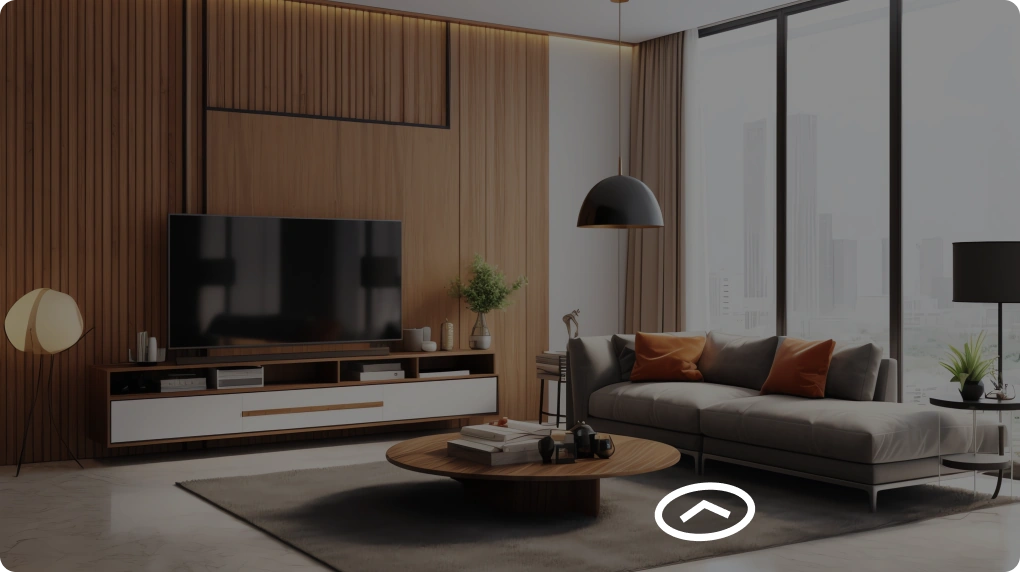
Our room layout planner is the only tool you need to turn any room in your house into the space of your dreams. Create professional-looking floor plans and designs in minutes without requiring technical skills. Upload existing plans, start from scratch, or choose from ready-made templates. Choose from over 60,000 furniture and decor items, including fireplaces, wall paneling, and wooden beams. Adjust materials, colors, and styles with ease. Preview how your room will look in 3D and easily switch between 2D and 3D views. Do a 360-degree virtual walkthrough of your project with our room planner and generate high-quality renders to share with family, friends, or contractors.

Why choose Foyr’s Online
Room Planner Tool

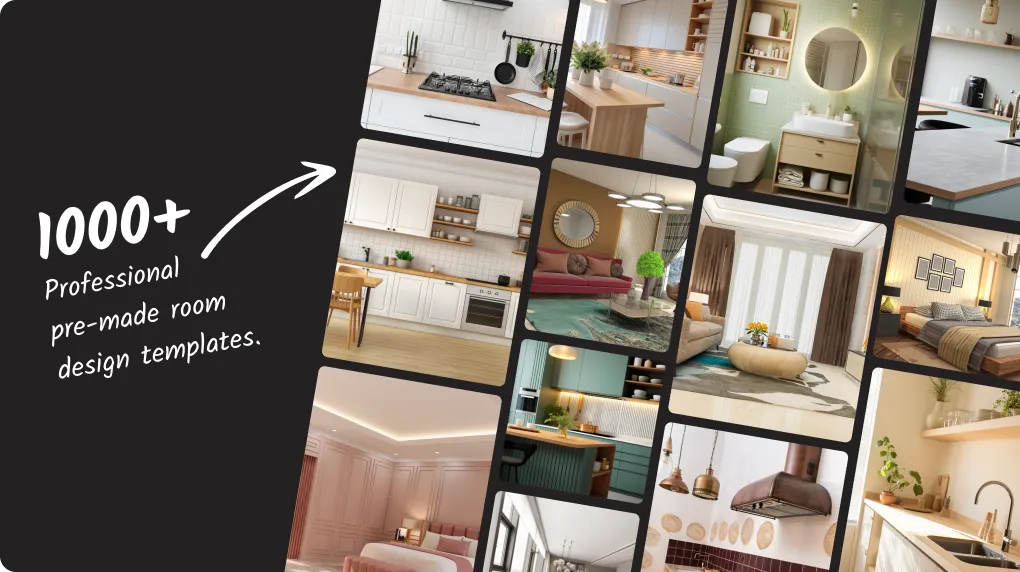
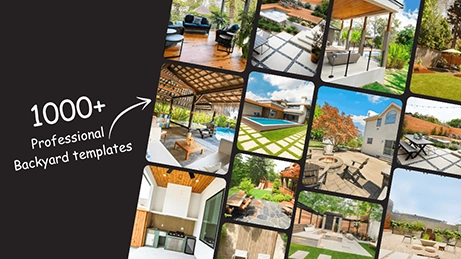
Foyr Neo virtual room planner has hundreds of professional pre-made room design templates you can use to kickstart your design. Make minor edits and the design you so admire will be your own!
Pre-made room design templates

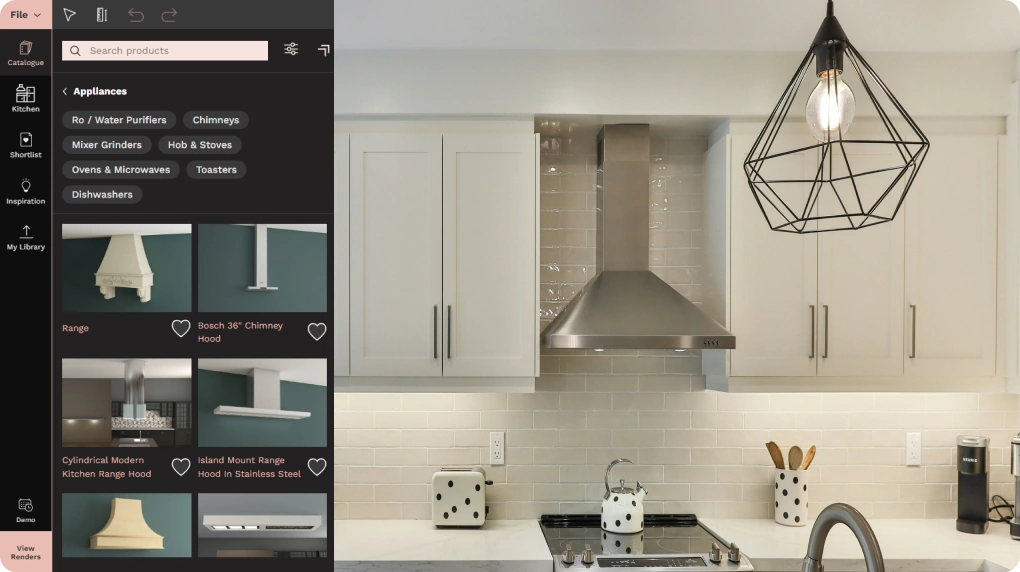
You will be spoilt for choice with the Foyr Neo room planner tool’s dedicated room design catalogs for all utility and design elements, ranging from doorknobs to large furniture pieces.
Extensive room design catalogs

Edit in 2D and 3D mode and once everything looks perfect, select a shot, adjust the preset, and take 4K photorealistic renders of your room design in Foyr Neo’s online room layout planner tool and blow away your clients!
4K photo-realistic renders

Turn your design interactive and engaging with our 3D and 2D room planner tool’s 360-degree spin views that will leave no room for doubt in your client’s mind.
360-degree Walkthrough
Pre-made room design templates

What they say about Foyr Neo

Neo
Nikki Tait

Interior Designer, USA

Neo

"Foyr Neo has helped me visualize the entire space before making decisions, which made it so much easier for both me and my client to feel confident in the final design."

Foyr Helps Build Successful
Careers And Businesses

Standard

Ideal For

Professional interior designers and creators with multiple projects

$ 59 month
  • 180 Render Credits/Month (2160/Yr)
  • 2 User

All Basic plan features, plus

  • 6x Render Credits Than Basic
  • 3D Walkthrough
  • Full Set Of Design, 3D Editing, Modeling And Rendering Features
  • Export Floor Plans
  • FoyrAR - See Design In Your Room
  • 1 Hour Onboarding And Training

FAQs for Foyr Room Planner Tool

Foyr Neo stands out as an exceptional free room layout planner, providing a robust set of features for both aspiring and seasoned designers. Its intuitive interface, coupled with extensive furniture libraries, allows for effortless design. The software also boasts advanced 3D rendering capabilities, ensuring you can accurately visualize your space. The complimentary 14-day trial offers a fantastic opportunity to explore all its powerful tools and see why it is a top choice for creating detailed room layouts without initial cost.

Creating a room layout plan with the Foyr Neo 3D room planner is straightforward and user-friendly. First, you draft your room in 2D mode, easily adding walls, doors, and windows using simple drag-and-drop functionalities. Then, you can select from Foyr’s vast material library to furnish and decorate your space, arranging elements to test various layouts. Finally, switch to 3D mode to conduct a virtual walkthrough, make real-time adjustments to your design, and generate high-quality, photorealistic renders of your perfected room.

When choosing a free room layout planner, prioritize key features that enhance your design experience. Look for an extensive object library, intuitive drag-and-drop tools, and seamless transitions between 2D and 3D viewing capabilities. The ability to save and share your designs effortlessly is also crucial. Advanced functionalities like photorealistic rendering, immersive virtual walkthroughs, and the option to request custom products, all offered by Foyr Neo, significantly elevate the quality and potential of your design projects.

Absolutely, you can design your entire house using the room planner tool by Foyr. Foyr Neo is a powerful and versatile design software fully capable of handling comprehensive house layouts, not just individual rooms. It enables you to create detailed floor plans for multiple spaces, arrange furniture throughout your home, and visualize your complete living environment in immersive 3D. This provides an all-encompassing design solution for any residential project.

While Foyr Neo room planner online primarily supports designing from scratch or pre-made templates, it features an innovative Augmented Reality (AR) capability. This allows you to integrate your design elements into your existing physical space. By scanning a design QR code on your phone, you can overlay virtual products and arrangements directly into your room. This immersive feature provides a realistic preview of how proposed furniture or decor would look in your actual environment, helping you plan your layout more effectively.

The main distinction lies in their visual representation. A 2D room planner offers a flat, top-down view of your space, focusing on dimensions, wall placements, and basic floor arrangements. It is excellent for initial conceptualization and technical accuracy. Conversely, a 3D room planner, like Foyr Neo, provides an immersive, three-dimensional view, allowing you to experience your design with depth and perspective. This enables detailed visualization, virtual walkthroughs, and a more comprehensive understanding of how your designed space will genuinely look and feel.

A room planner tool is a digital solution that helps you design, organize, and visualize your room layout. It allows you to create floor plans, arrange furniture, and see your room in 2D and 3D before making real-world changes.

With a room planner, you can:

  • Plan your room layout accurately
  • Test different furniture arrangements
  • Visualize designs in 3D
  • Optimize space for functionality and style

FOYR’s room planner combines powerful design tools with easy-to-use controls, making it ideal for both beginners and professionals.

FOYR balances ease of use with powerful design capabilities. It allows users to create layouts in both 2D and 3D, experiment with furniture placement, and visualize the final outcome realistically. It also includes a large library of furniture and decor, customization options for materials and dimensions, and the ability to generate high-quality renders. Whether you are a beginner exploring ideas or a professional working on client projects, this ideal planner simplifies the design process while maintaining accuracy and flexibility.

Yes, our room planning tool allows users to design multiple rooms and even entire home layouts within a single project. This makes it easier to understand how different spaces connect and flow together. You can create individual rooms, adjust layouts, and then combine them into a complete floor plan. This approach is especially useful for renovations, new home planning, or ensuring consistency in design across different areas.

No, room planner tools are typically designed to be user-friendly and accessible to everyone. They use intuitive features like drag and drop functionality, pre-designed templates, and guided workflows that make it easy to get started. Even users with no prior design experience can quickly create layouts, experiment with ideas, and visualize their space. At the same time, advanced features are available for professionals who want more control and precision.

Creating a basic room layout can take just a few minutes, especially when using templates or pre-built structures. More detailed designs that include furniture placement, material selection, and 3D visualization may take longer depending on the level of customization. However, our tool significantly reduces the time required compared to traditional methods by offering quick edits, instant previews, and easy adjustments.

Yes, customization is a core feature of our room planner. You can define exact dimensions, adjust wall lengths, add doors and windows, and modify layouts to match real-world measurements. This level of accuracy helps ensure that the final design is practical and can be executed without major changes during implementation.

Our tool provides flexibility to either upload an existing floor plan or build one from scratch. Uploading a plan can save time and improve accuracy, while starting from scratch allows complete creative control. We also offer templates that act as a starting point, making the process faster and more convenient.

Yes, visualization is one of the most valuable features of a room planner. With 3D viewing and walkthrough capabilities, you can explore your space virtually before making any physical changes. This helps in understanding layout, spacing, lighting, and overall aesthetics, reducing the chances of costly mistakes.

Yes, our room planner comes with extensive libraries of furniture, fixtures, and decor elements. These items can be added, moved, resized, and customized to match different styles and preferences. Having access to a wide variety of options allows users to experiment with layouts and create designs that reflect their vision.

Yes, we offer high-quality rendering capabilities that produce realistic images of your design. These renders help you visualize textures, lighting, colors, and materials in detail. They are also useful for presentations, allowing you to communicate your ideas clearly to clients, family members, or stakeholders.

Yes, sharing features are commonly included in room planning tools. You can export designs, generate images, or share project files with others. This makes collaboration easier, whether you are working with a designer, contractor, or simply seeking feedback from friends and family.

Yes, flexibility is a key advantage of digital room planning tools. You can edit your design at any stage, whether it involves adjusting dimensions, changing furniture, or experimenting with different styles. This allows continuous improvement without starting over from scratch.

FOYR offers a 14 day free trial so you can explore the platform, test features, and create designs before choosing a plan. This helps you evaluate the platform’s usability, features, and overall fit for your needs without any upfront investment.

Start Planning Your Room
in 3D Today

Design your space with Foyr’s online room planner tool. No experience needed—just drag, drop, and see your space come to life in 2D and 3D. Start for free!