

Interior Design is an exciting field of study. This important art form is a means for introducing creativity in any given room design and turning it into the homeowner’s dream house.
Interior designers can use various inspiration boards and design concepts to bring the client’s requirements to architectural softwareife. For new clients, using swatches and templates is a great way to introduce them to your design ideas. A mood board creator can be especially helpful in this process, allowing you to build sample boards that showcase the templates and color schemes you wish to implement.
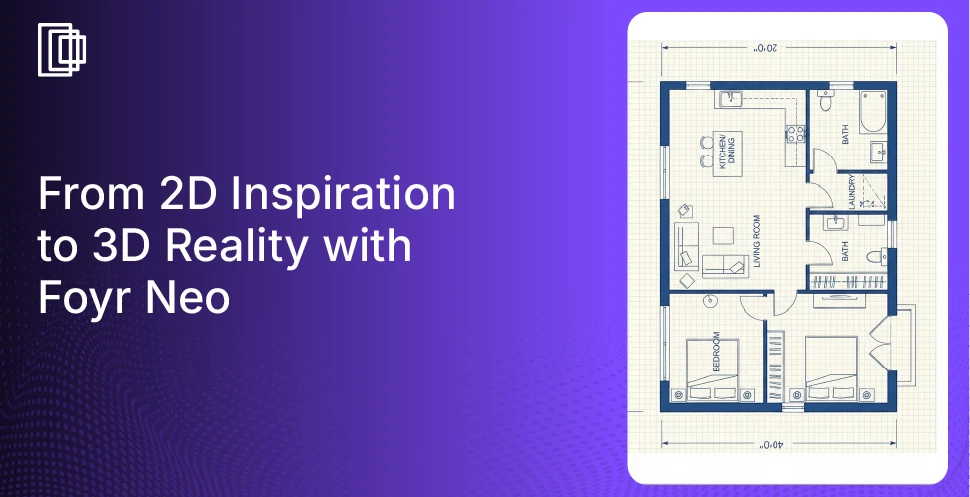
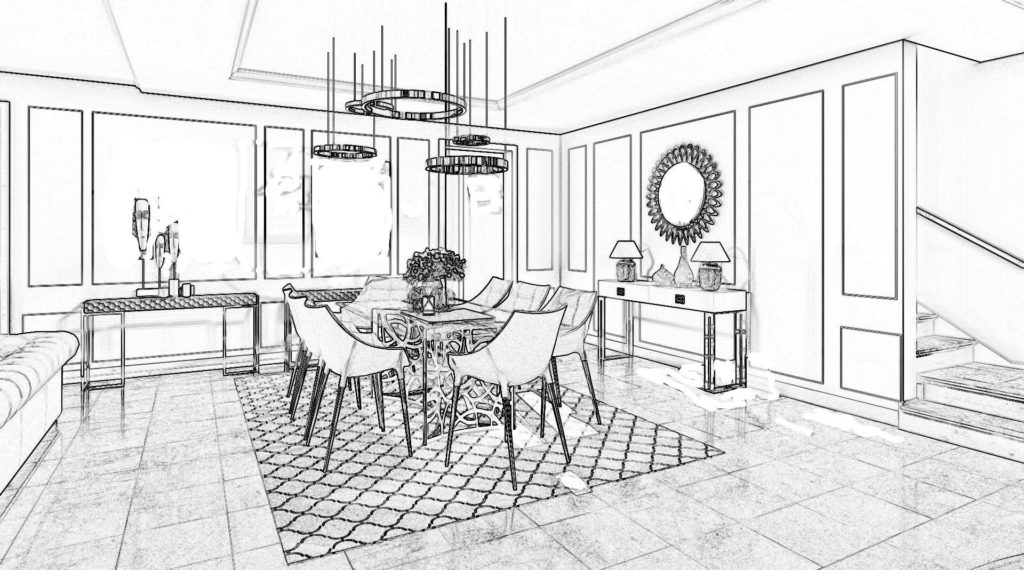
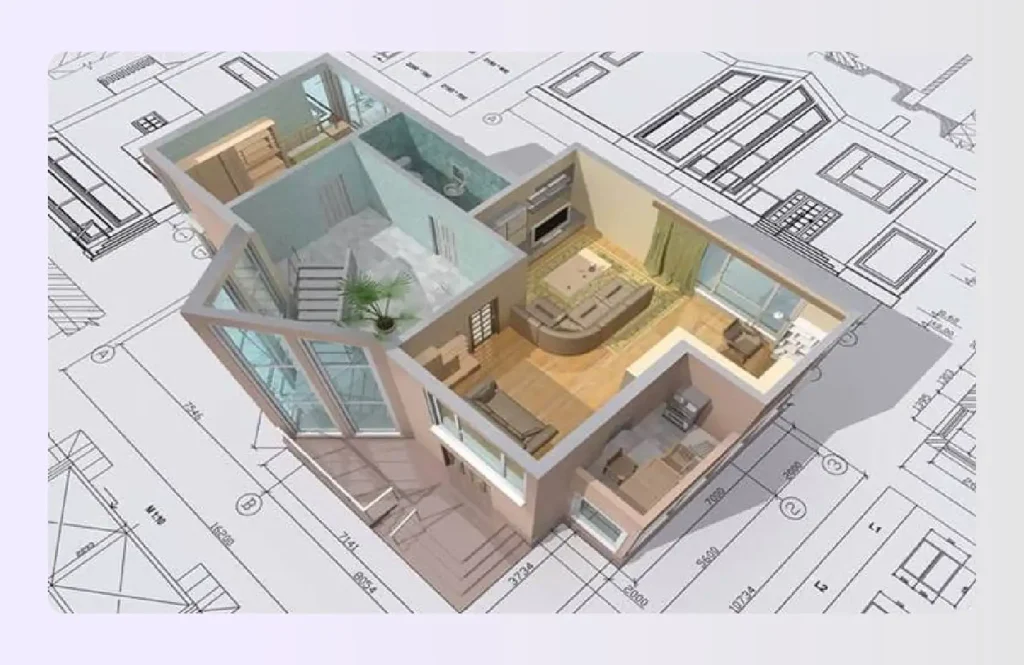
However, the best means for interior design presentation are 3D models, which can be easily created using 3D Visualization Software for Designers. While all the mood boards and floor plans are displayed on a 2D surface, 3D models take the effects of architectural visualization to a whole new level, offering a more immersive and realistic experience. This is where specialized interactive 3D presentation software becomes essential for your workflow.

What is an Interactive 3D Presentation?
Interior designers and architects have an obligation to their clients to deliver property designs that meet their expectations. It is a little difficult to explain the concepts of scales, floor plans, room design, etc., without a visual aid. Although PowerPoint presentations or Photoshop can help, the real challenge is visualizing the space from all angles.
This is where 3D models take the cake. With the best 3d presentation software, you can create a virtual rendering of the home design. An interactive 3D presentation software enables you to show the client exactly what you have in mind with accurate visualization. This is especially useful for new clients as they can share their own design plans with you.
With careful brainstorming, you and your client can arrive at a mutual understanding before you create final presentation boards for your interior design project. Decorators can also use interactive 3D presentation software so the client can hover over the plans and inspect the view from every angle as if they are present right in the room. It helps them make up their mind before they give their approval so that there is minimum to no scope for errors upon completion of the interior design services.
10 Best Interactive 3D Presentation Software
There are several interactive 3D presentation software options that facilitate multiple presentation techniques for schematic visualization of your design plan. The pricing and styling may differ from one software to another, based on the templates you choose.
While AutoCAD and SketchUp are some of the top choices, the following architectural software provides additional means to create attractive presentation boards that can elevate the output of your interior design services.
1. Foyr Neo
Foyr Neo is your ultimate interactive 3D presentation software, designed to slice your workflow in half while doubling your impact. You don’t need clunky plugins; just a browser and your creativity to generate photorealistic walkthroughs that leave clients speechless.
Key Features:
- Switch from 2D plans to 3D views instantly with our cloud-based rendering engine.
- Access a massive library of 50,000+ pre-modeled items to drag and drop elements instantly.
- Generate 12K renders in minutes, not hours, keeping your client presentations on schedule.
- Share interactive 360-degree views via simple links accessible on any device anywhere.
Best For: Interior designers and architects needing speed, quality, and ease of use.
Pricing: Free trial available for 14 days; subscriptions start at $22 per month offering access to advanced features
2. Aurora 3D Software
Another effective interactive 3D presentation software is Aurora. This software is easy to use and it offers a variety of styling and presentation boards. You can employ text, images, data, and even video to communicate the story of the design idea to the client.
Although Aurora does not have all the features necessary to create extensive and powerful 3D models, it gets the job done effectively. It is fairly easy to create a small file and transfer it to any Mac or Windows device for viewing. The ease of use is especially helpful for beginners or amateur designers as Aurora 3D does not require complete knowledge and understanding of the functional aspects of design software. It is a great tool for a quick and easy solution for your architectural or interior design process.
See also – Best Furniture Design Software
3. Focusky
Focusky is a 3D presentation software much like Aurora 3D. You can use this software with ese to create some quick and easy presentation boards. Focusky is ideal for both amateurs and professionals as the final presentations can be easily transferred to any data storage unit for viewing.
You can use this software to create a video of your design ideas which gives the client an accurate visualization. It also allows you to add 3D transition effects to the space planning process.
Interior designers and architects can use this software to create focused renderings of their design concept for client approval.
See also – 3D Visualization Software
4. Knovio
Knovio is a unique interactive 3D presentation software that allows you to share your interior design presentations through files over the internet. It has a microphone and webcam in-built in the app so you can share your ideas with the client as they move around the property or you share a 3D model.
Although Knovio does not have all the necessary templates and schematics, the interactive feature is immensely helpful. It does leave a lot to the imagination, but you can always share mood boards and sample boards to share your design ideas.
Knovio can be an easy solution especially if you are interacting with distant clients via email or web links.
5. PresentiGo
PresentiGo is an all-inclusive interactive 3D presentation software that enables architects and interior designers to create creative content for visual graphics. This software is particularly helpful because it re-engages previously created presentation boards for new projects.
PresentiGo is a good software for anyone who wants to create some extraordinary content with style. The conversion software allows you to transfer the files and play them as an immersive interactive 3D video model. It is an ideal software for content creation to impress new clients, utilizing advanced features to make your pitch stand out.
See also – Best Floor Plan Software
6. Visme
Visme is a 3D presentation software that is easy to learn and use. It features a multitude of effects and design concepts which enables architects and interior designers to create stunning video presentations. Visme helps you create interiors not just for home design but also for commercial spaces.
The Visme interactive 3D presentation software is available globally so you can connect to clients from any location. Although this may be a cumbersome task to take on clients who are otherwise located, Visme still offers the facility, should the need arise. It is distinct from tools like Prezi or Mango, focusing heavily on visual data.
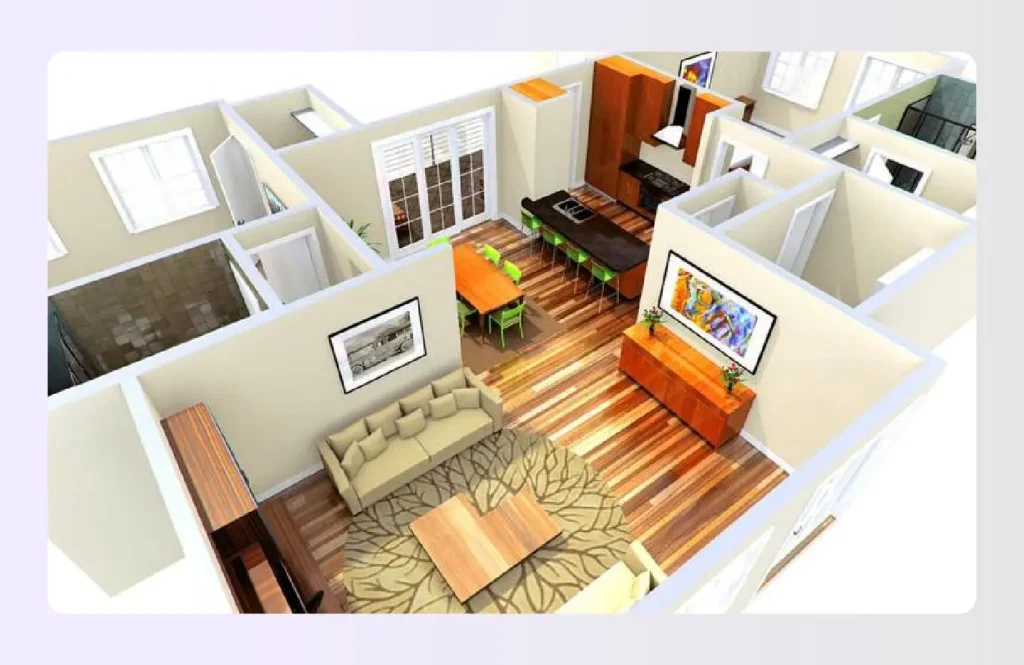
7. Prezent 3D
Prezent 3D is an idea-based design model. It allows interior designers and architects to drag and drop files in a simple drop interface where you can combine effects and create note-worthy video presentations. Prezent 3D is very simple to use which makes it a good choice for amateur decorators and aspiring architects.
You can use simple design patterns and still create excellent presentation boards to impress clients. Prezent 3D also allows auto grouping which simplifies the design process tremendously. It is an ideal Interactive 3D presentation software if you want the client to focus closely on your design plans, perhaps even integrating audio notes for clarity.
See also – Best Kitchen Design Software

8. Cl3ver Interactive 3D Presentations
This one-click application enables architects and interior designers to quickly sort their presentations into auto grouped categories. The Cl3ver interactive 3D presentation software simplifies the initial design process. You can then add voiceovers dialogs and explanations to create a story for your presentations.
If you need to make any changes to the presentation boards, your story remains unhindered. This software is easy to use and provides a simple sharing facility so you can interact with your clients about the interior design project details. You can update the 3D models as required and fit the storyboard.
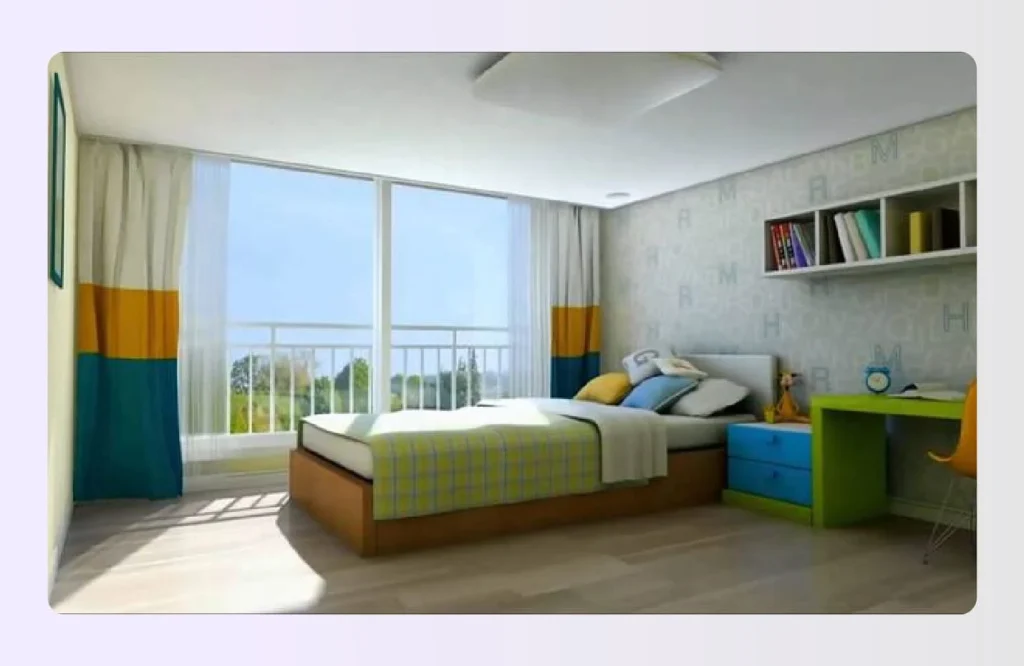
9. iCreate
iCreate is another interactive 3D presentation software that offers the user a wide array of options. With iCreate you can make interactive video presentations with multiple sample boards and present your design ideas to your clients with ease.
iCreate is quite easy to understand and use. Therefore architects and interior designers as well as clients can install it for easy viewing of the variable design plans. You can share your ideas and discuss any modifications or special requirements that the client might have.
iCreate provides a dynamic environment for the creation of 3D models thereby helping you create final presentations with better effects to amaze your clients. You can even use illustrations or props to enhance the scene.
10. Xtensio
Xtensio is an interactive presentation program and document-sharing app. It not only facilitates smooth communication between decorators and clients but also provides a forum for interaction between members of your staff. This office operation software helps the members of your team communicate and coordinate with each other so they can work in harmony.
Xtensio allows you to create interactive presentations with a multitude of effects which helps in making a good impression on the clients. You and your staff can readily communicate your design ideas and live documents, as and when required. This 3d presentation tool is a good choice if you work with a permanent team or with contractors as it eases the mode of communication and collaboration. It makes it easier to complete your interior design project as per the requirement and on time.
Stop Wrestling with Plugins and Start Presenting with Foyr
Why juggle five different tools when you can master one? Foyr Neo isn’t just another interactive 3D presentation software; it is an end-to-end design ecosystem that moves you from floor plan to final render without ever leaving your browser.
Our interior design software advanced features to streamline your designing projects:
- Create immersive 360-degree tours that clients can explore on their own phones.
- Render lighting fast with AI assistance that handles complex lighting automatically.
- Drag and drop from thousands of 3D models to customize your unique space.
- Present designs in real time to make changes instantly during client meetings.
- Export high-quality PDFs or standard images for varied client documentation needs.
Stop settling for static presentations that bore your audience. With Foyr Neo, you can export a slideshow, create a walkthrough for YouTube, or send a live link. Join thousands of designers who have switched to a smarter way to design.
Sign up for your 14-day free trial for Foyr Neo today and experience the power of truly interactive design.
See also – 3D Rendering Software
FAQs
Which software is best for 3D visualization?
For the best balance of speed and quality, Foyr Neo is a top choice for interactive 3D presentation software. Unlike complex tools that require heavy hardware, Foyr creates photorealistic renders in the cloud. It allows you to add specific elements and hotspots easily, making it superior for rapid client approvals.
How to make a 3D model presentation?
Start by importing your 2D floor plan into your interactive 3D presentation software. Build up the walls, drag in furniture, and apply textures. Use a tool like Foyr to auto-convert plans to 3D. Add customization with lighting, then export as a video or interactive link for your target audience.
Which 3D software is mostly used?
SketchUp and AutoCAD are traditional staples for architecture presentation software, but cloud-based tools like Foyr Neo are gaining massive popularity. Designers prefer them because they don’t require high-end computers or complex tutorials to master, and they offer a free plan or trial to get started quickly.
How do I share a 3D model with a client who doesn’t have the software?
The best interactive 3D presentation software allows you to share web-based links. Your client simply clicks the link to view the 360-degree tour or walkthrough in their browser. They don’t need to download anything or learn functionality; they just explore the design you created.
What is the difference between a 3D render and an interactive walkthrough?
A 3D render is a static image, like a photograph of your design. An interactive walkthrough, created with interactive 3D presentation software, allows the client to “walk” through the space, turn around, and experience the layout flow. AR (Augmented Reality) features can sometimes overlay these designs into real spaces.
Do I need a gaming computer for real-time 3D presentations?
Not if you use cloud-based interactive 3D presentation software like Foyr Neo. Since the heavy rendering processing happens on our servers, you can present animation and complex presentation design on a standard laptop or even a tablet without lagging or crashing.