


Interior designers outgrow spreadsheets the moment they cross three to five active projects. That is usually when task management, client communication, vendor updates, invoices, and project approvals start competing with design work. The best project management software for interior designers should reduce that operating pressure.
I have seen strong design firms lose control because every project lived across email, Google Drive, WhatsApp, and separate accounting tools. The right software should help your design business manage the entire workflow without turning every update into another admin task.
This comparison reviews eight project management tools for interior designers through a studio lens rather than a generic software checklist. Each platform is assessed for design-specific workflows, client portals, finance tools, AI capabilities, pricing, and the learning curve for busy interior designers. We will also look at how Foyr Manage can reduce reliance on paid tools such as ChatGPT, Claude, and form builders, as well as on manual spreadsheet workflows.

What to Look for in Interior Design Project Management Software
Designers should evaluate interior design project management software against real studio workflows. Generic task boards rarely cover sourcing, finance, approvals, and client-facing project realities.
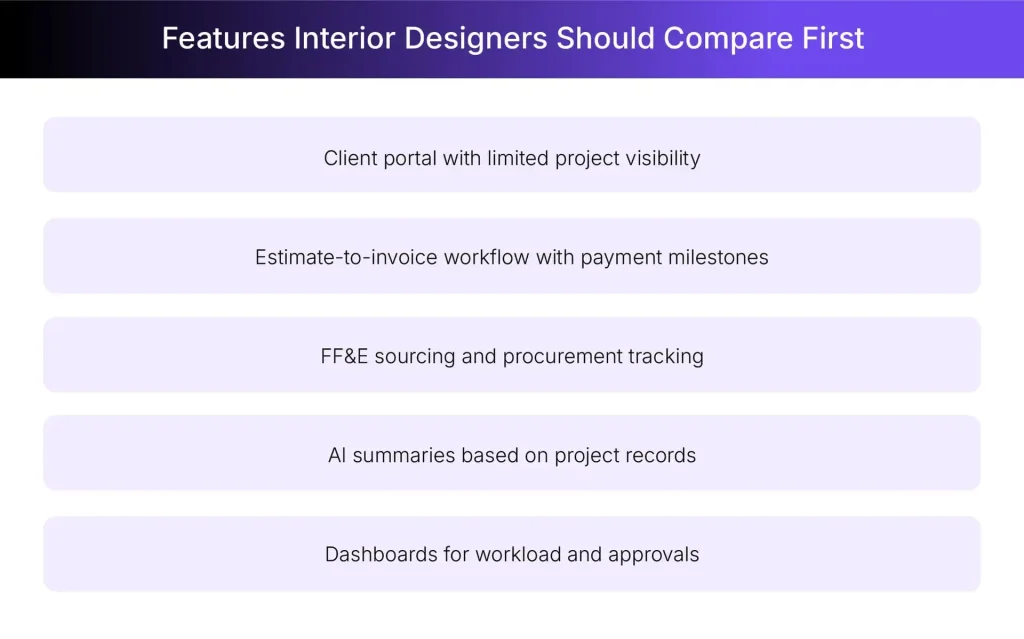
- Design-Specific Workflows: The right software should support procurement, FF&E management, product sourcing, client preference capture, templates, and design-stage workflows. Without those project management features, designers keep rebuilding processes outside the platform through spreadsheets and disconnected notes.
- Client Portal: A client portal should let clients review progress, estimates, invoices, files, and client proposals without seeing the internal workspace. This matters because client approvals need visibility, while private workload, dependencies, and internal documentation should stay protected.
- Finance Integration: Strong project management tools for interior designers should support estimates, invoices, trade markup logic, payment milestones, and QuickBooks sync. If finance workflows are elsewhere, profitability becomes harder to track across procurement, design, and completion stages.
- AI Capabilities: AI is useful when it works on design project context, not empty prompts detached from the studio’s workflow. Better tools can create plans, assign tasks, summarize health, generate questionnaires, and surface real-time project risks.
- Scalability and Pricing: A solo interior designer needs affordable setup, while growing design studios need permissions, dashboards, client visibility, and connected finance. The right tool should grow with team members without forcing enterprise pricing before the studio is ready.
8 Best Project Management Tools for Interior Design Studios
The selection of best project management software for interior designers depends on whether the studio needs AI-led control, procurement depth, accounting strength, visual planning, or basic task visibility.
| Tool | Best For | Starting Price | Client Portal | Finance Tools | Design-Specific |
| Foyr Manage | AI-powered design business management with built-in client, finance, sourcing, and AI workflows | $99/month | Yes | Yes, QuickBooks sync | Yes |
| Houzz Pro | Residential design and lead generation | Pricing varies by plan | Yes | Yes, QuickBooks sync | Partial |
| Programa | Procurement-heavy design studios | $71/month | Yes | Partial | Yes |
| Design Manager | Advanced accounting workflows | $79/user/month | Yes | Yes | Yes |
| Studio Designer | Large firm operations | Pricing varies by plan | Yes | Yes | Yes |
| monday.com | Custom workflow builders | Pricing varies by plan | Limited | Limited | No |
| Asana | Generic task management | Free plan available | Limited | No | No |
| DesignFiles | Mood boards and floor plans | Pricing varies by plan | Yes | Yes | Yes |
1. Foyr Manage
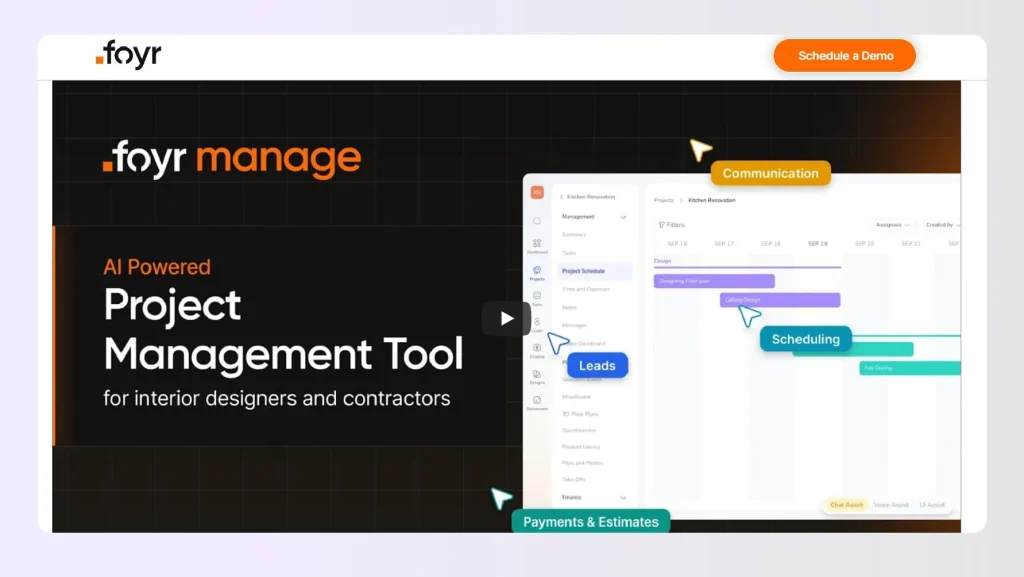
Foyr Manage is the best project management software for interior designers who need one workspace for projects, clients, sourcing, estimates, invoices, tasks, and approvals. It is purpose-built for design-led businesses that have outgrown spreadsheets and need stronger operational control.
The platform combines a familiar project dashboard with an AI command center that works on the studio’s own business data. Designers can manage the project pipeline through the interface and use AI commands to speed up task creation, generate summaries, estimates, or create client questionnaires.
That is where Foyr Manage starts to feel different from general project management tools. It brings AI planning, client dashboards, estimate-to-invoice workflows, sourcing, approvals, and project records into one design-focused workspace. This reduces the need for scattered tools and separate AI assistants.
What are the key features of Foyr Manage?
- AI chat commands create project plans, assign tasks, summarize health, and generate estimates from prompts.
- Client dashboards show progress, estimates, invoices, files, and messages without exposing internal workspace structures.
- Estimate-to-invoice workflows connect approvals, payment milestones, invoices, and QuickBooks sync within a single project record.
- AI questionnaire builder creates client-preference forms and stores responses in the appropriate project workspace.
- Shop-the-look sourcing finds purchasable products from Amazon, Wayfair, IKEA, and Home Depot for project libraries.
- Website voice agent captures new clients from studio websites and supports multilingual lead generation.
How much does Foyr Manage cost?
Foyr Manage pricing starts at $99 per month, making it accessible for solo designers and growing design studios.
For whom is Foyr Manage the best option?
Foyr Manage is best for solo designers, small studios, and growing design firms managing more than three active projects. It suits teams that need AI assistance, client transparency, connected finance workflows, and project visibility inside a single platform.
Let’s understand how Foyr Manage fits into a designer’s workday across different situations:
- New Client Onboarding: Turn a new inquiry into a project record, client questionnaire, estimate, and follow-up task without moving across tools.
- Multi-Project Visibility: Track active project health, approvals, invoices, and team ownership across several residential projects from one workspace.
- AI-led Admin Support: Reduce the need for separate AI tools by using Foyr Manage for summaries, project plans, client questionnaires, and estimate drafts.
2. Houzz Pro
 Houzz Pro works well for residential designers who want to generate leads, create proposals and estimates, communicate with clients, and schedule projects. It can suit firms that already receive inquiries through the Houzz ecosystem. Teams needing deeper project execution may still want a more design-specific workspace.
What are the key features of Houzz Pro?
- Lead generation and CRM connected to the Houzz marketplace for residential project inquiries.
- Mood boards and basic 3D floor planning tools for early client presentation work.
- Estimates, invoices, online payments, purchase orders, and QuickBooks Online integration.
What are the pros and cons of Houzz Pro?
| Pros | Cons |
| Strong lead funnel through Houzz marketplace | Interface can feel slow for busy teams |
| Estimates, invoices, payments, QuickBooks sync | Advanced design workflows need separate tools |
| Useful client communication and approval tools | Cancellation and pricing feedback appears mixed |
Why Foyr Manage is a better choice than Houzz Pro
Houzz Pro is useful for marketplace-led studios, although some teams find the interface and pricing clarity difficult. Foyr Manage keeps projects, clients, tasks, files, estimates, and invoices in one cleaner workspace. It also adds AI-led planning, questionnaires, summaries, and stronger project visibility.
3. Programa
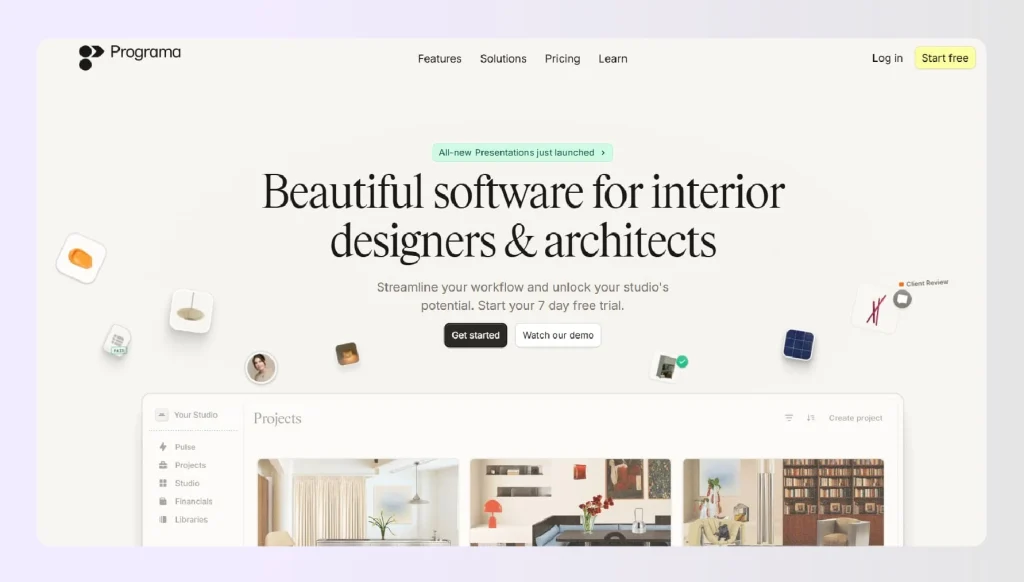
Programa is built for design studios that need strong schedules, FF&E organization, procurement workflows, and product specification control. It works well for teams that spend many hours organizing product details and client selections. I’d consider it when specification depth matters more than wider business workflow coverage.
What are the key features of Programa?
- Product schedules, specification sheets, and FF&E organization for detailed procurement workflows.
- Project phases, task tracking, product clipping, and team collaboration for design studios.
- Client-facing selections and approval workflows for presentation and procurement decisions.
- Time tracking and profitability views that help teams understand project performance.
What are the pros and cons of Programa?
| Pros | Cons |
| Strong specification and FF&E workflows | Wider finance workflows may need support |
| Clean interface built for design studios | Less AI-led project execution depth |
| Useful product clipping and schedules | Pricing rises with additional seats |
Why Foyr Manage is a better choice than Programa
Programa is strong for specification-heavy workflows, especially when FF&E schedules drive daily operations. Foyr Manage is better suited for studios that want AI-led project execution, estimates, invoices, client dashboards, and financial continuity. It gives design teams more operational control from lead capture to payment.
4. Design Manager
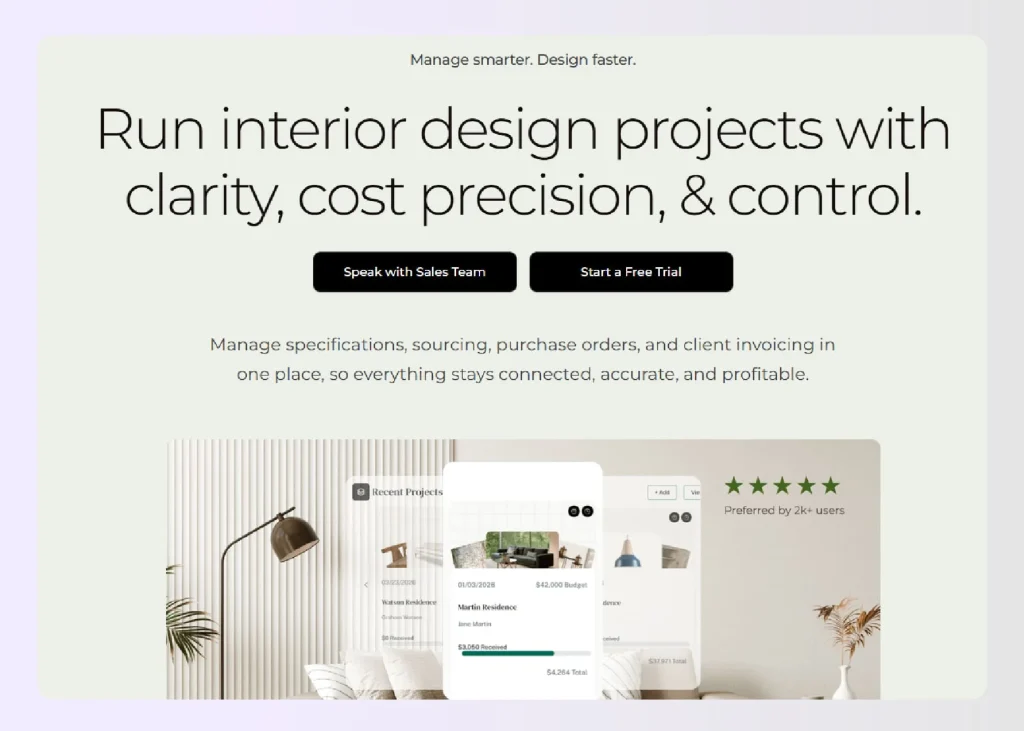
Design Manager is a long-standing platform for interior design firms that need accounting, purchasing, order tracking, and margin visibility. It fits firms where back-office control matters deeply. The trade-off is that some smaller teams may find the accounting-first structure heavier than they need.
What are the key features of Design Manager?
- Accounting, purchasing, invoicing, and order tracking for residential interior design firms.
- Project documentation, proposals, purchase orders, and vendor-related business controls.
- Margin tracking and financial reporting for procurement-heavy design operations.
What are the pros and cons of Design Manager?
| Pros | Cons |
| Strong accounting and purchasing foundation | Can feel heavy for smaller studios |
| Built around interior design business needs | AI workflow depth is limited |
| Good for margins and documentation | Modern client experience needs review |
Why Foyr Manage is a better choice than Design Manager
Design Manager suits firms that prioritize accounting depth and purchasing control. Foyr Manage is a better fit for studios needing project visibility, AI support, client dashboards, and estimate-to-invoice workflows. It gives growing teams more flexibility without making every workflow feel accounting-led.
5. Studio Designer

Studio Designer is built for established interior design firms that need procurement, accounting, reporting, proposals, vendor workflows, and detailed business operations. It is a strong platform for mature firms with admin support. Smaller studios may need less operational weight and faster setup.
What are the key features of Studio Designer?
- Procurement, accounting, proposals, purchase orders, and vendor workflows for design firms.
- Project management tools connected to product sourcing, billing, reporting, and operations.
- Client proposals and approval workflows for studios handling detailed product selections.
What are the pros and cons of Studio Designer?
| Pros | Cons |
| Strong for larger design firm operations | Can feel complex for smaller teams |
| Procurement and accounting depth is strong | Setup may require operational maturity |
| Useful reporting for established studios | AI-led workflow support appears limited |
Why Foyr Manage is a better choice than Studio Designer
Studio Designer can suit larger firms with mature admin structures and complex procurement operations. Foyr Manage is better for small studios and growing teams that need AI-led execution, client transparency, and connected project records. It reduces operational weight without losing project control.
6. monday.com
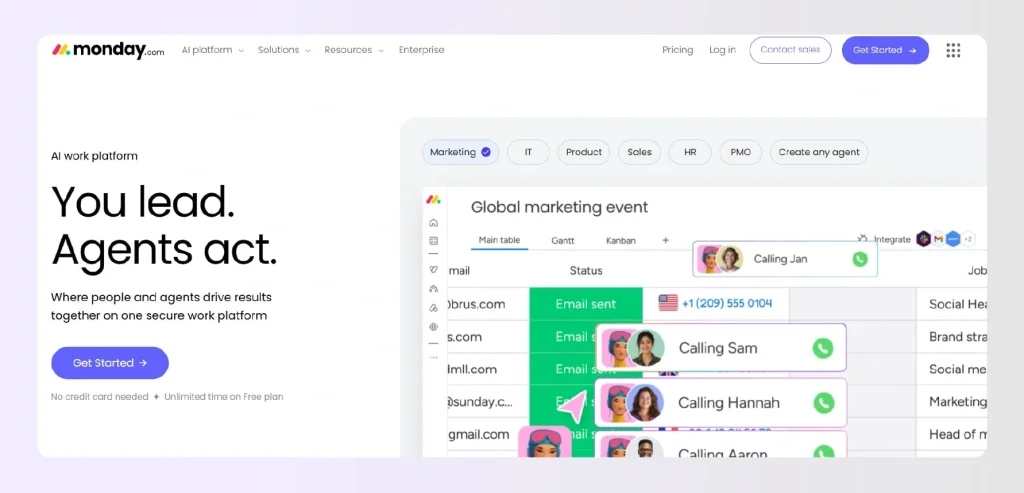
monday.com is a flexible project management platform for teams that want custom boards, dashboards, automation, and internal visibility. It can be adapted for interior design projects with enough setup. The honest answer is that studios must build many design-specific workflows themselves.
What are the key features of monday.com?
- Custom boards, timelines, dashboards, automation, and templates for cross-functional project tracking.
- Integrations with common workplace tools, including email, calendars, Slack, and Google Drive.
- AI and automation features that support general workflow updates and project operations.
What are the pros and cons of monday.com?
| Pros | Cons |
| Highly customizable boards and dashboards | Requires setup for design workflows |
| Strong automation and integration options | No native FF&E or sourcing depth |
| Works for broad team collaboration | Client portal needs custom configuration |
Why Foyr Manage is a better choice than monday.com
Monday.com is useful when teams want to customize project management platforms from scratch. Foyr Manage starts closer to the interior design workflow with tasks, dashboards, estimates, invoices, sourcing, and questionnaires already connected. It reduces setup effort for design studios.
7. Asana
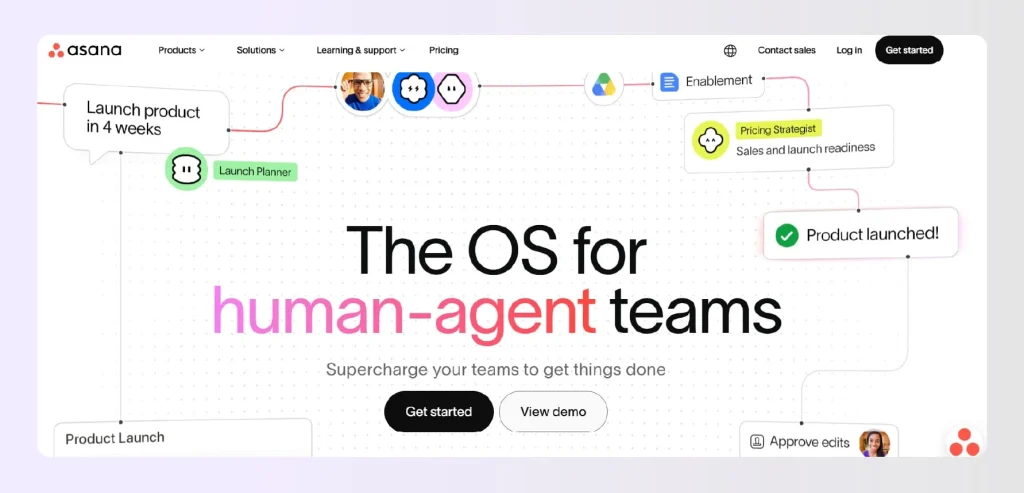
Asana is a clean task management platform for teams that want deadlines, assignments, comments, timelines, and internal collaboration. It works when designers already have separate systems for finance, procurement, client communication, and design work. It is less useful as full interior design project management software.
What are the key features of Asana?
- Tasks, assignees, due dates, timelines, dashboards, dependencies, and project status updates.
- Templates and automation rules for repeatable workflows across internal teams.
- Free plan availability for small teams testing basic project visibility.
What are the pros and cons of Asana?
| Pros | Cons |
| Simple task visibility for team members | No native design studio workflows |
| Useful templates and automation rules | Finance and procurement need separate tools |
| Easy for basic task management | Client approvals require workarounds |
Why Foyr Manage is a better choice than Asana
Asana remains useful for internal task clarity and lightweight workload tracking. Foyr Manage is stronger when studios need a connected project record, client dashboard, estimates, invoices, AI questionnaires, and project health summaries. It handles the design business, rather than tasks alone.
8. DesignFiles
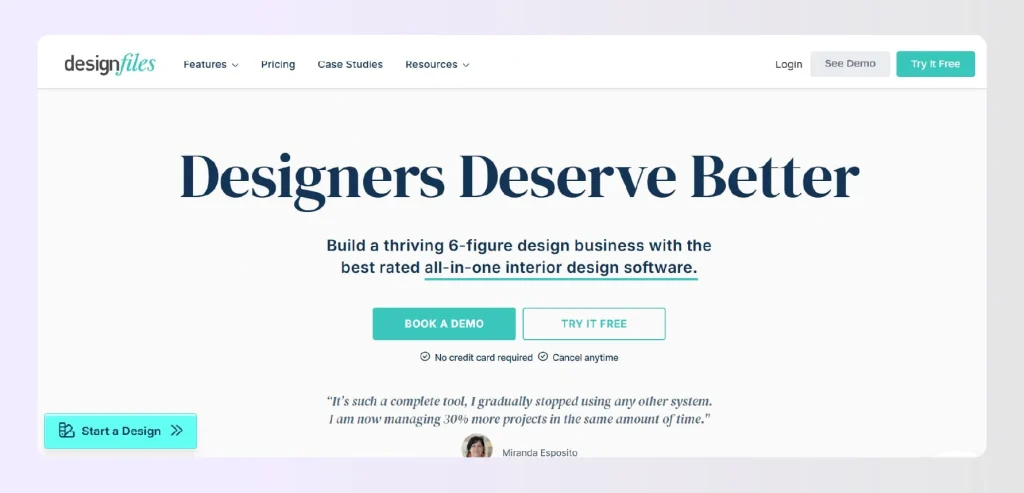
DesignFiles works well for designers who prioritize mood boards, visual presentations, client selections, and smaller design workflows. It can be a good fit for e-design services and solo presentation-heavy studios. Teams managing procurement, invoices, and delivery may need broader execution support.
What are the key features of DesignFiles?
- Mood boards, room mockups, 3D floor plans, product libraries, and client presentations.
- Client collaboration tools for design feedback, selections, and project communication.
- Invoicing, order tracking, sourcing support, and project management essentials.
What are the pros and cons of DesignFiles?
| Pros | Cons |
| Strong mood boards and visual presentations | Less focused on AI-led execution |
| Useful for solo designers and e-design | Larger teams may need deeper controls |
| Helpful product library and client tools | Finance workflows may need review |
Why Foyr Manage is a better choice than DesignFiles
DesignFiles is useful when visual presentations and mood boards are central to the business model. Foyr Manage is stronger when a studio needs to manage tasks, estimates, invoices, approvals, product libraries, client dashboards, and project delivery within a single workspace.
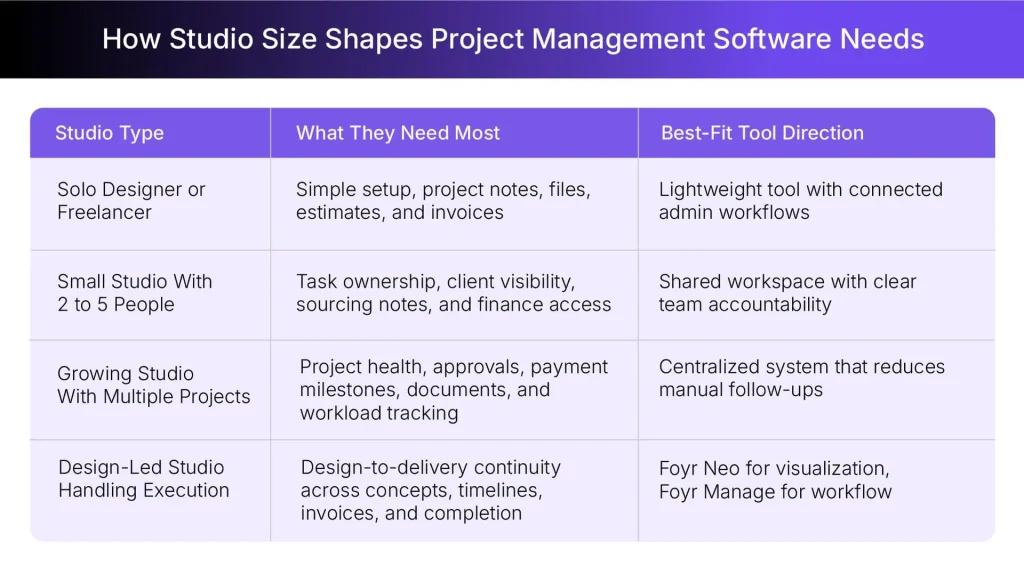
How to Choose the Right Tool for Your Studio Size
Tool choice should align with studio complexity, as solo designers and growing teams need very different levels of visibility and control.
- Solo Designer or Freelancer: Start with software that is easy to set up and affordable to maintain. It should manage inquiries, project notes, files, estimates, and invoices. Foyr Manage fits this stage because it reduces admin without making the workspace feel heavy.
- Small Studio With 2 to 5 People: At this stage, personal organization shifts into shared visibility. Look for task ownership, client dashboards, sourcing notes, file access, and connected finance. The right tool should show every designer what is pending, approved, delayed, and ready.
- Growing Studio With Multiple Live Projects: Scattered updates become expensive once several projects move at the same time. A strong tool should track project health, approvals, payment milestones, documents, and team responsibilities. Managers should not need to manually chase every update.
- Design-Led Studio That Also Handles Execution: These studios need software that connects creative decisions with delivery tasks. Foyr Neo handles design and visualization, while Foyr Manage runs the project workflow. That distinction helps teams move from initial concept to timeline, invoice, and completion.
Why Interior Designers Should Avoid Generic Project Management Tools
Generic tools can organize tasks, while design studios often need workflows that connect sourcing, finance, approvals, and project delivery.
- Generic tools lack procurement tracking, FF&E management, product sourcing, and client preference capture for design studios.
- Horizontal finance workflows rarely support trade markups, milestone billing, or estimate-to-invoice conversion without external spreadsheets.
- Generic portals can expose too much workspace detail instead of limiting visibility to approved project information.
- AI in horizontal tools works on generic task data rather than interior design project context.
- The best interior design software for project management should connect sourcing, finance, approvals, and delivery.

Run Your Design Studio with Foyr Manage
Foyr Manage is built for interior designers who need tighter control over project execution after the design direction is approved. Our platform helps studios manage tasks, clients, files, estimates, invoices, sourcing, approvals, and updates in a single workspace, rather than across scattered spreadsheets or message threads.
It is especially useful for teams that want AI support for routine coordination while keeping designers in control of important decisions. We built it so studios can reduce admin drag without giving up control over reviews, approvals, and client communication.
- AI Chat Commands: Ask Foyr Manage to create project plans, assign tasks, summarize health, or generate estimates. Designers review key actions before anything moves into the workspace.
- Client Dashboard: Give each client a project-specific portal for progress, estimates, invoices, files, and messages. This improves client visibility without exposing internal team structures.
- Finance Workflows: Build estimates from your Library, convert approvals to invoices, and set payment milestones. QuickBooks sync keeps finance closer to each project record.
- AI Questionnaires and Shop-the-Look: Generate client preference questionnaires from one prompt, then review them before sharing. Designers can source real products into their Library when project selections need structure.
Try Foyr Manage to bring projects, clients, tasks, estimates, invoice records, sourcing, and approvals into one design-focused workspace built for interior design project management from day one.
FAQs
1. Does Foyr Manage handle FF&E tracking, purchase orders, and vendor management?
Foyr Manage supports product libraries, sourcing workflows, estimates, invoices, payment milestones, client approvals, and project records for design teams. It can help studios organize FF&E-related information and procurement decisions inside the project workspace. Designers should confirm purchase order requirements against current plan features before choosing the final setup.
2. Which project management software works best for solo interior designers versus large firms?
Solo designers need affordable setup, simple task visibility, client files, estimates, and invoices in one place. Large firms may require deeper permissions, stronger accounting controls, procurement approvals, and enhanced reporting. Foyr Manage fits solo designers and small studios well, while larger firms should compare the depth of procurement and the complexity of internal approval processes.
3. Can interior design project management tools integrate with QuickBooks or Xero?
Some interior design project management tools integrate with accounting platforms, although availability differs by tool and plan. Foyr Manage supports QuickBooks-linked finance workflows, while Houzz Pro also offers QuickBooks Online integration. Xero support should be checked directly with each vendor before committing to a software stack.
4. How do project management tools handle trade discounts and markup calculations for interior designers?
Design-specific tools may support product pricing, markups, estimates, invoices, and procurement-related cost tracking. Generic tools often need spreadsheets or custom fields to manage trade discounts properly. The right software should keep markup rules visible, because pricing transparency protects both designer profitability and client trust.
5. What is the learning curve for switching from spreadsheets to a dedicated interior design project management tool?
The learning curve depends on how organized the studio’s current workflow is before migration. Teams should start by importing active projects, setting task templates, defining finance workflows, and training staff on client updates. A dedicated tool makes work easier once everyone stops duplicating it across spreadsheets and email.